A well-designed CSS product card can turn a plain shop page into something people actually want to browse. In this post, I am sharing 9 CSS Product Card Design examples from my own collection, and every one comes with a live demo. Whether you are building a store, a café menu, or a portfolio, you can pick a card and make it yours.
Each card below includes a short note on the main styling idea I used. Then, you can open the full tutorial to follow along step by step.
1. Dark CSS Product Card Design with a Best Seller Badge

Midnight Black Watch

Responsive product card built with HTML and CSS, featuring a modern layout, product image, rating, pricing, and call-to-action button. Includes a smooth hover effect for enhanced interaction, with clean styling and mobile-friendly design for seamless use across devices.
2. Product Card with Rounded Image Corners

Mocha Latte
5.0
(180 reviews)
Rich espresso blended with steamed milk and a hint of chocolate. Perfect for a cozy morning pick-me-up.
Responsive product card built with HTML and CSS, featuring an image, title, rating, description, and price with a clear add-to-cart button. Designed with a clean layout and balanced spacing for easy readability and smooth user interaction across all devices.
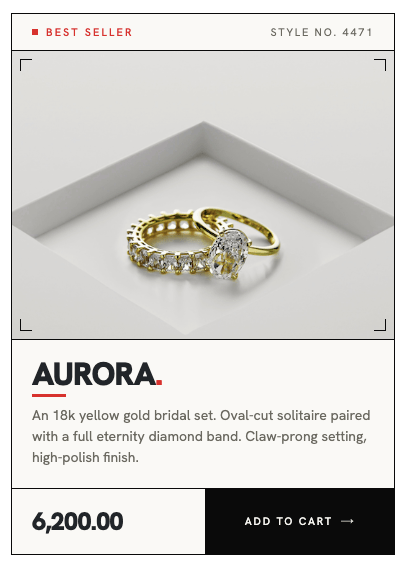
3. Editorial CSS Product Card for Luxury Products
Aurora.
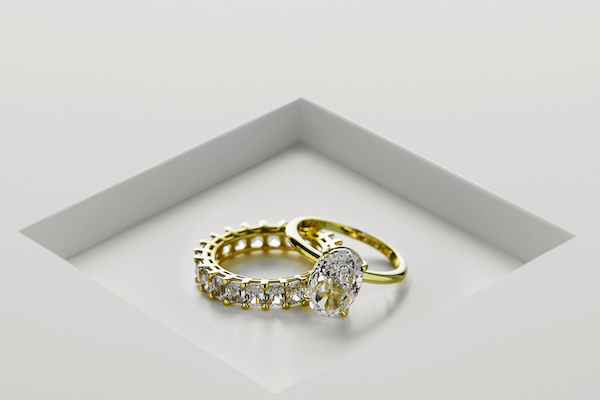
An 18k yellow gold bridal set. Oval-cut solitaire paired with a full eternity diamond band. Claw-prong setting, high-polish finish.
This product card creating a clean, editorial-style product card featuring a best seller badge, a decorative corner frame, a bold product title with a red accent underline, and a price with an add-to-cart button. The unique corner frame is built using four absolutely positioned spans, each displaying two sides of a border to create a stylish four-corner effect around the product image.
4. E-commerce CSS Product Card with a Full-Width Button
Product title
(123)
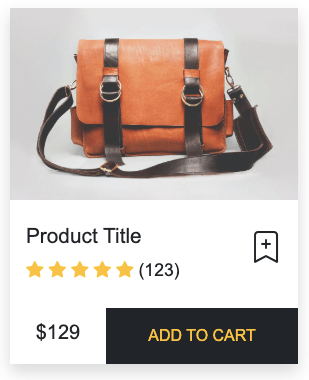
This is the classic shop layout. It has a product photo, a title, a rating, a bookmark icon, and a dark add to cart button at the bottom.
5. Pill-Shaped Product Card
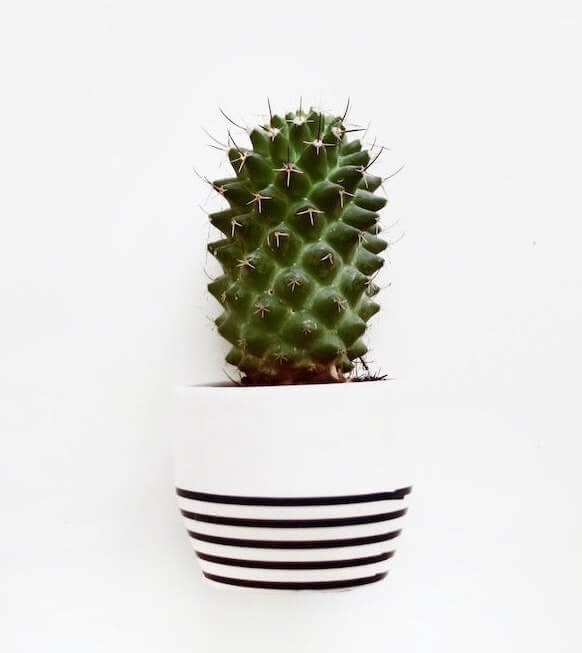
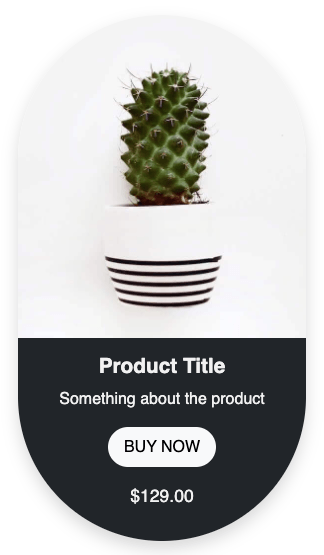
This product card HTML CSS tutorial shows you how to build a pill-shaped product card with a dark card body. The card uses a large border-radius on the outer wrapper combined with overflow hidden to clip both the image and the card body inside the rounded shape.
6. Soft Shadow Product Card with a Cart Button

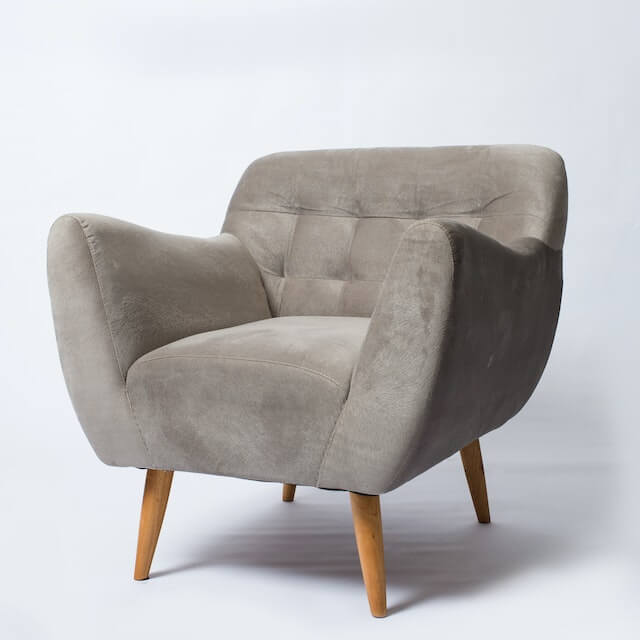
This product card HTML CSS tutorial shows you how to build a clean furniture product card with a category label, price, product name in a serif font, material info, and a circular dark cart button. The card uses rounded corners with overflow hidden so the product image stays clipped inside the card shape, and the DM Serif Display font on the product name gives it a premium feel against the DM Sans body text. Overall, it feels modern and calm, which suits premium products.
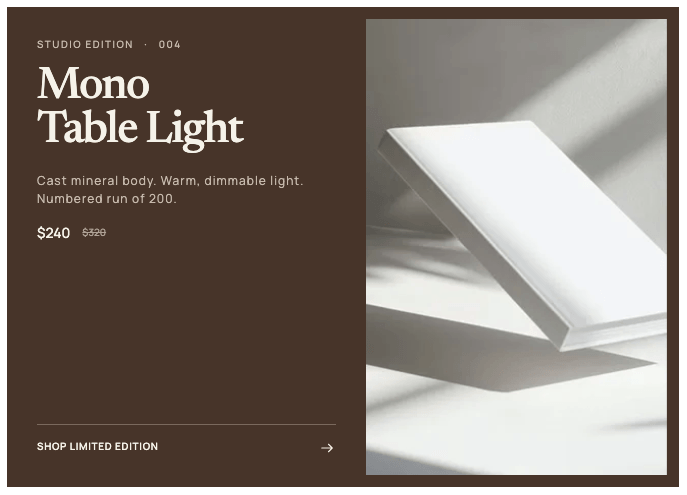
7. Horizontal Split CSS Product Card
Studio edition · 004
Mono
Table Light
Cast mineral body. Warm, dimmable light. Numbered run of 200.
$240 $320
Shop limited edition
This product card HTML CSS tutorial shows you how to build a warm dark-toned product card with a two-column grid layout. The left side has a serif product title, a studio edition label, a sale price with a crossed-out original price, and a link pinned to the bottom using margin-top: auto. The right side has a product image with a subtle inset padding so it looks framed inside the card. On mobile, the grid collapses to a single column with the image stacking below. It works nicely for featured products and limited editions.
8. Compact Product Card for Menus and Lists
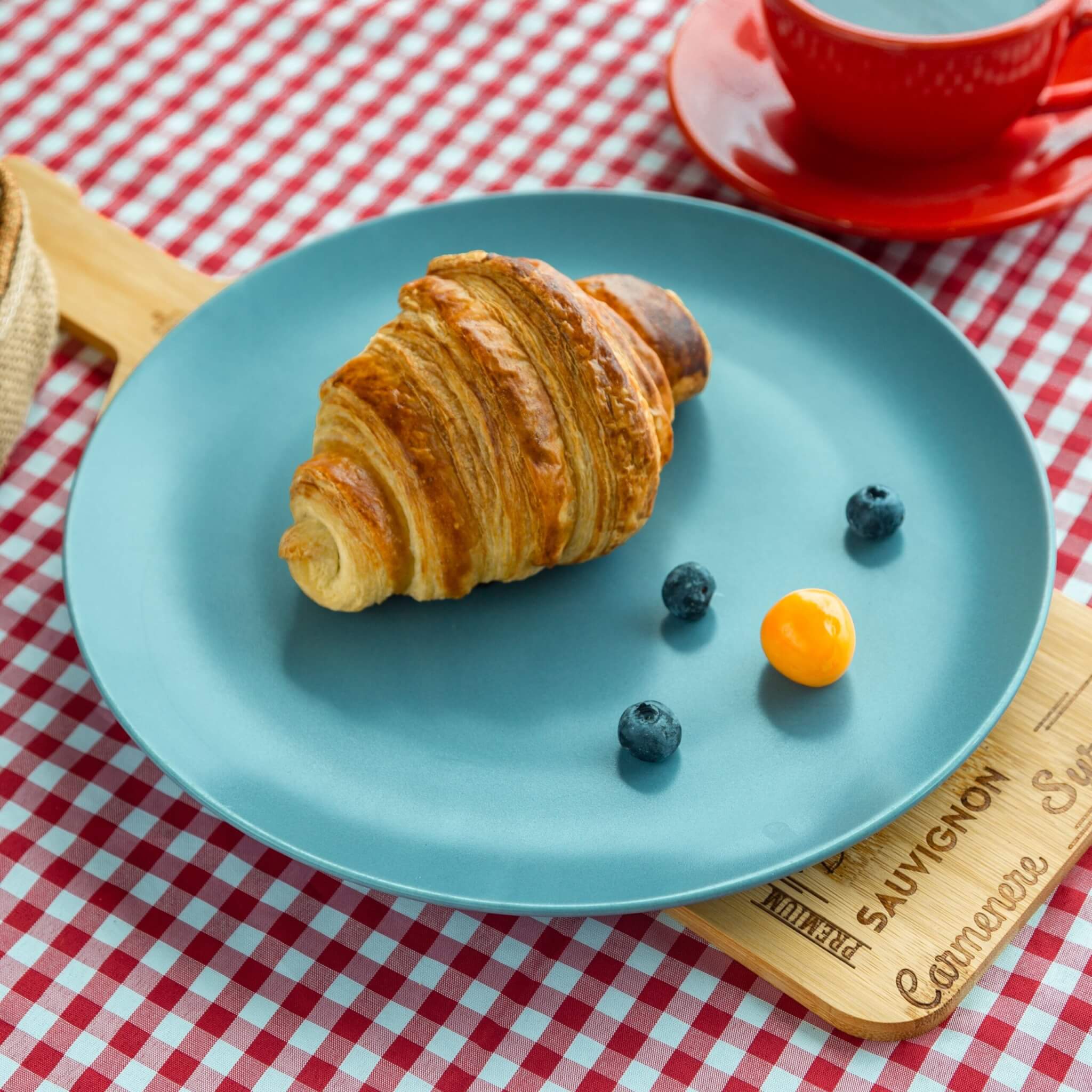
Buttery Croissant
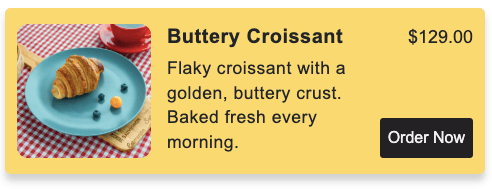
Flaky croissant with a golden, buttery crust. Baked fresh every morning.
Simple responsive horizontal product card built with HTML and CSS. Uses a two-column grid to place the image and card body side by side, with the title, description, price, and order button neatly laid out inside. Collapses to a single column on mobile.
9. Minimal CSS Product Card with Hover Effect
Product Name
This card keeps things clean with a white background, a square image, and a small round add button. However, the real magic happens on hover, because the whole card turns blue-grey and the text flips to white.
If you have any doubts or stuck somewhere, you can reach out through Coding Yaar's Discord server.