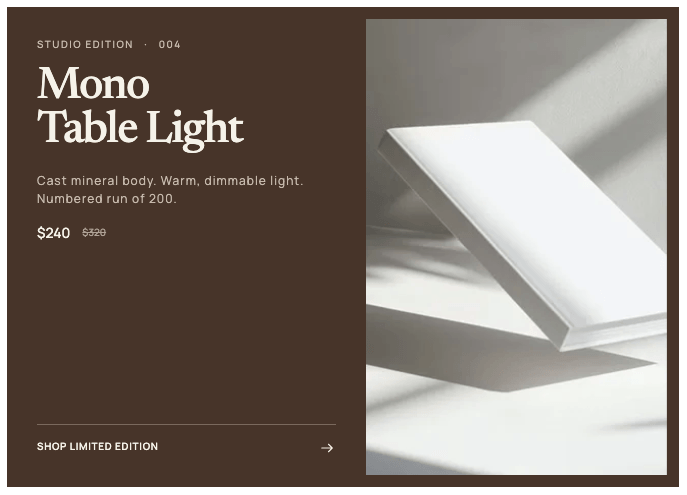
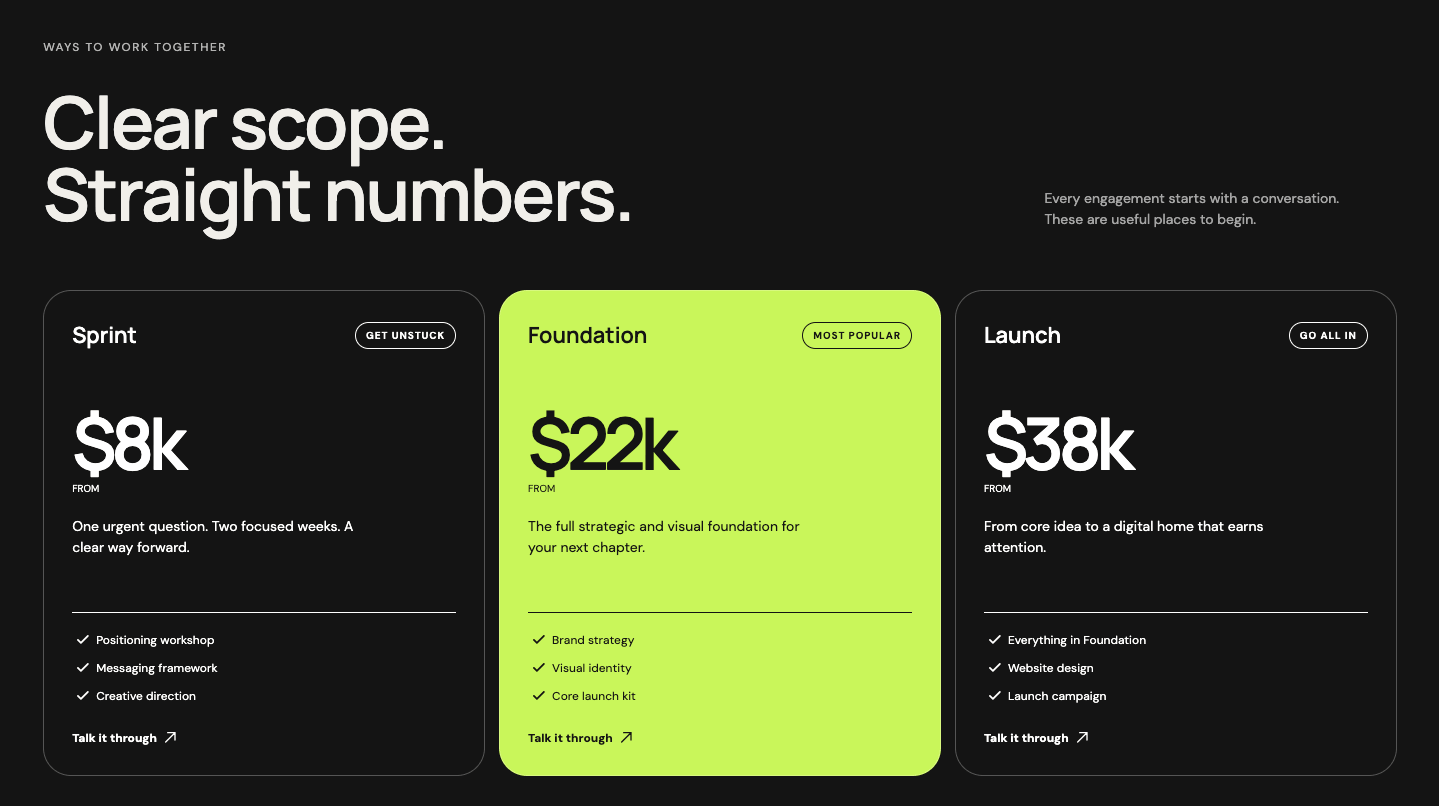
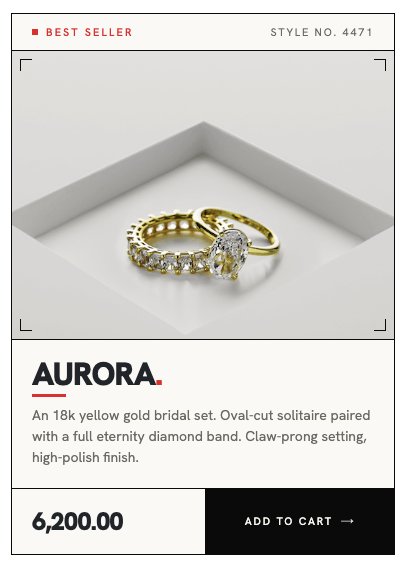
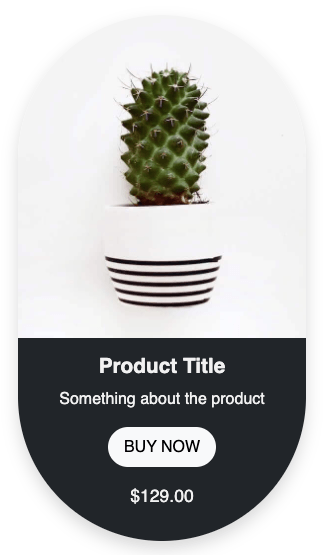
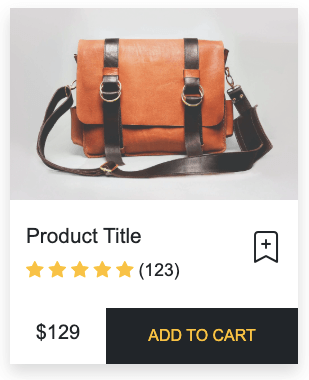
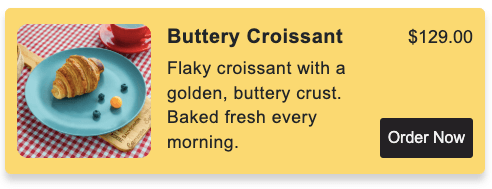
Responsive product card built with HTML and CSS, featuring a modern layout, product image, rating, pricing, and call-to-action button. Includes a smooth hover effect for enhanced interaction, with clean styling and mobile-friendly design for seamless use across devices.
Final output:
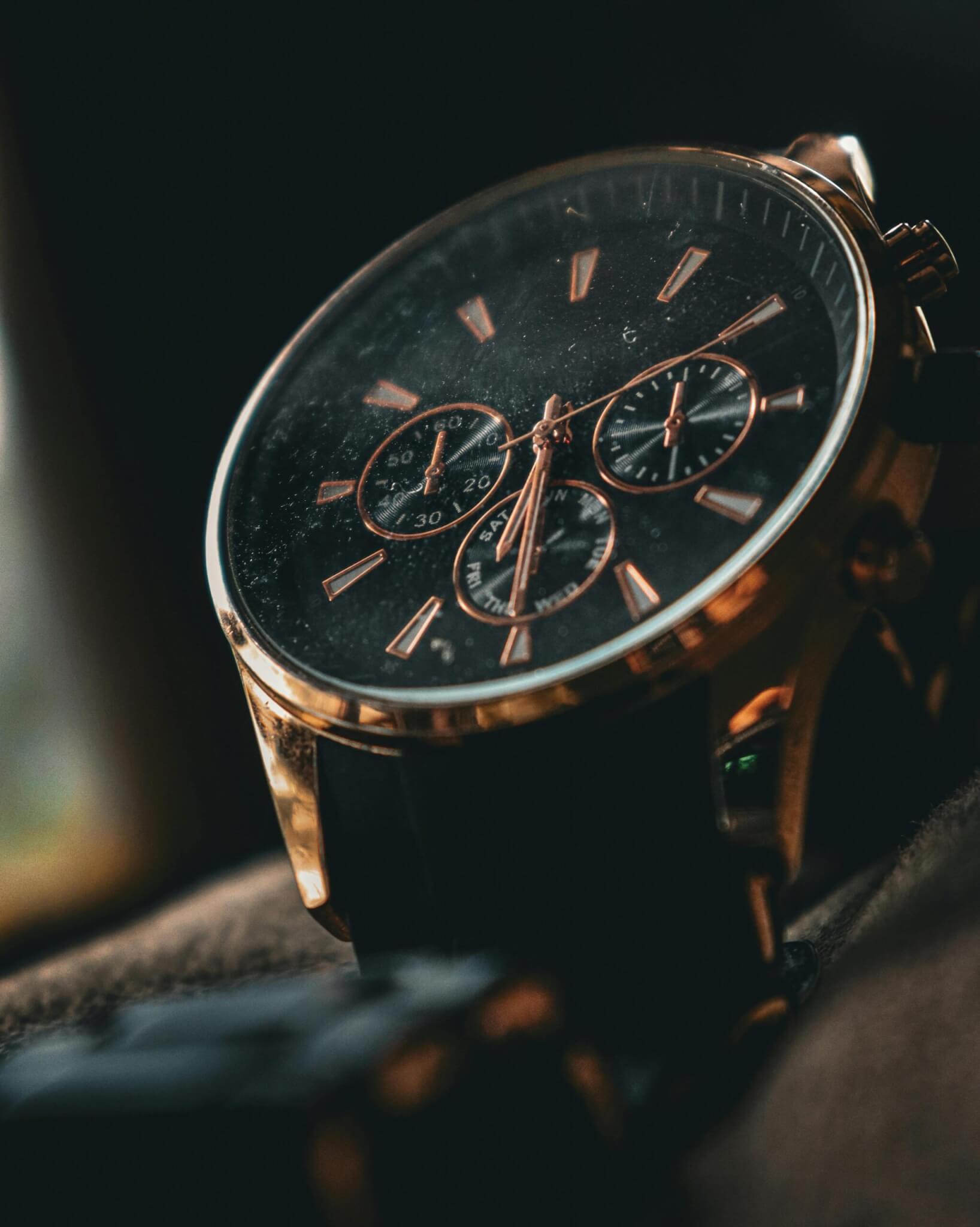
Midnight Black Watch

1. Let’s start by adding a div with a classname product-card and add the product image inside it.
<div class="product-card">
    <img src="watch.jpg" alt="">
</div>
Reset margins, set the font family, and add the basic card styles. Set the overflow to hidden so the image doesn’t bleed outside the rounded corners.
Set the position to relative so we can place the label on top of the image later.
* {
    margin: 0;
}
body {
    font-family: Arial, Helvetica, sans-serif;
}
.product-card {
    max-width: 22rem;
    border-radius: 1.5rem;
    box-shadow: 0px 8px 10px -6px #0000001A, 0px 20px 25px -5px #0000001A;
    overflow: hidden;
    position: relative;
    background: linear-gradient(to top, #000000, #00000080, #00000000);
}
Make the image fill the card width and set a max-height with object-fit: cover so it doesn’t stretch.
.product-card img {
    width: 100%;
    max-height: 22rem;
    object-fit: cover;
    object-position: center top;
}
Output:
2. Now add the label span before the image.
<div class="product-card">
    <span class="product-card-label">Best Seller</span>
    <img src="watch.jpg" alt="">
</div>
Use position: absolute with top and left to place it over the image. Give it a pill shape with border-radius: 50rem and an orange gradient background.
.product-card .product-card-label {
    position: absolute;
    top: 1rem;
    left: 1rem;
    text-transform: uppercase;
    font-size: 0.75rem;
    padding: .375rem 1rem;
    border-radius: 50rem;
    background: linear-gradient(to right, #FFB900, #FF6900);
}
Output:
3. Add a .product-card-body div after the image. Put the category and title inside it.
<div class="product-card-body">
    <span class="product-card-category">Premium</span>
    <h3 class="product-card-title">Midnight Black Watch</h3>
</div>
Set white text and padding on the card body. Style the category and title with font sizes and bottom margins to space them out.
.product-card .product-card-body {
    padding: 2rem 1.5rem 1.5rem;
    color: #ffffff;
}
.product-card .product-card-category {
    text-transform: uppercase;
    font-size: 0.75rem;
    color: #FFB900;
    margin-bottom: .375rem;
}
.product-card .product-card-title {
    font-size: 1.5rem;
    line-height: 1.3;
    font-weight: 500;
    margin-bottom: .875rem;
}
Output:
Midnight Black Watch
4. Add the ratings wrapper with five star images inside it.
<div class="product-card-ratings-wrapper">
    <img src="star.svg" alt="">
    <img src="star.svg" alt="">
    <img src="star.svg" alt="">
    <img src="star.svg" alt="">
    <img src="star.svg" alt="">
</div>
Use flexbox with a small gap to space the stars. Fix the star image size so it doesn’t inherit the width: 100% from the product image style.
.product-card .product-card-ratings-wrapper {
    display: flex;
    gap: 2px;
    margin-bottom: 1rem;
}
.product-card .product-card-ratings-wrapper img {
    width: 1rem;
    height: 1rem;
}
Output:
Midnight Black Watch
5. Add the footer div with the price and the Add to Cart link inside it.
<div class="product-card-footer">
    <span class="product-card-price">$1499</span>
    <a href="#">Add to Cart</a>
</div>
Use flexbox to push the price and button to opposite ends. Style the link as a white pill-shaped button. On hover, switch the background to the same orange as the label.
.product-card .product-card-footer {
    display: flex;
    gap: 1rem;
    justify-content: space-between;
    align-items: center;
}
.product-card .product-card-price {
    font-size: 1.875rem;
    line-height: 1.2;
}
.product-card .product-card-footer a {
    background-color: #ffffff;
    color: #000000;
    text-decoration: none;
    border-radius: 50rem;
    padding: 0.75rem 1.5rem;
    font-weight: 500;
    font-size: 1rem;
    line-height: 1.5;
    border: 0;
}
Output:
Midnight Black Watch
6. Add a zooming hover effect for the image by using transform scale. Add a transition for a smoother animation.
.product-card img {
    transition: transform .3s ease-in-out;
}
.product-card img:hover {
    transform: scale(1.1);
}
Similarly, add a hover effect for the Add to Cart button as well.
.product-card .product-card-footer a {
    transition: background-color .3s ease-in-out;
}
.product-card .product-card-footer a:hover {
    background-color: #FFB900;
}
Output:
Midnight Black Watch
Final Output Code for Responsive HTML CSS Product Card #3 with hover effect:
HTML
<div class="product-card">
    <span class="product-card-label">Best Seller</span>
    <img src="watch.jpg" alt="">
    <div class="product-card-body">
        <span class="product-card-category">Premium</span>
        <h3 class="product-card-title">Midnight Black Watch</h3>
        <div class="product-card-ratings-wrapper">
            <img src="star.svg" alt="">
            <img src="star.svg" alt="">
            <img src="star.svg" alt="">
            <img src="star.svg" alt="">
            <img src="star.svg" alt="">
        </div>
        <div class="product-card-footer">
            <span class="product-card-price">$1499</span>
            <a href="#">Add to Cart</a>
        </div>
    </div>
</div>
CSS
 * {
     margin: 0;
 }

 body {
     font-family: Arial, Helvetica, sans-serif;
 }

 .product-card {
     max-width: 22rem;
     border-radius: 1.5rem;
     box-shadow: 0px 8px 10px -6px #0000001A;
     box-shadow: 0px 20px 25px -5px #0000001A;
     overflow: hidden;
     position: relative;
     background: linear-gradient(to top, #000000, #00000080, #00000000);
 }

 .product-card img {
     width: 100%;
     max-height: 22rem;
     object-fit: cover;
     object-position: center top;
     transition: transform .3s ease-in-out;
 }

 .product-card img:hover {
     transform: scale(1.1);
 }

 .product-card .product-card-label {
     position: absolute;
     top: 1rem;
     left: 1rem;
     text-transform: uppercase;
     font-size: 0.75rem;
     padding: .375rem 1rem;
     border-radius: 50rem;
     background: linear-gradient(to right, #FFB900, #FF6900);
 }

 .product-card .product-card-body {
     padding: 2rem 1.5rem 1.5rem;
     color: #ffffff;
 }

 .product-card .product-card-category {
     text-transform: uppercase;
     font-size: 0.75rem;
     color: #FFB900;
     margin-bottom: .375rem;
 }

 .product-card .product-card-title {
     font-size: 1.5rem;
     line-height: 1.3;
     font-weight: 500;
     margin-bottom: .875rem;
 }

 .product-card .product-card-ratings-wrapper {
     display: flex;
     gap: 2px;
     margin-bottom: 1rem;
 }

 .product-card .product-card-ratings-wrapper img {
     width: 1rem;
     height: 1rem;
 }

 .product-card .product-card-footer {
     display: flex;
     gap: 1rem;
     justify-content: space-between;
     align-items: center;
 }

 .product-card .product-card-price {
     font-size: 1.875rem;
     line-height: 1.2;
 }

 .product-card .product-card-footer a {
     background-color: #ffffff;
     color: #000000;
     text-decoration: none;
     border-radius: 50rem;
     padding: 0.75rem 1.5rem;
     font-weight: 500;
     font-size: 1rem;
     line-height: 1.5;
     border: 0;
     transition: background-color .3s ease-in-out;
 }

 .product-card .product-card-footer a:hover {
     background-color: #FFB900;
 }
If you have any doubts or stuck somewhere, you can reach out through Coding Yaar's Discord server.