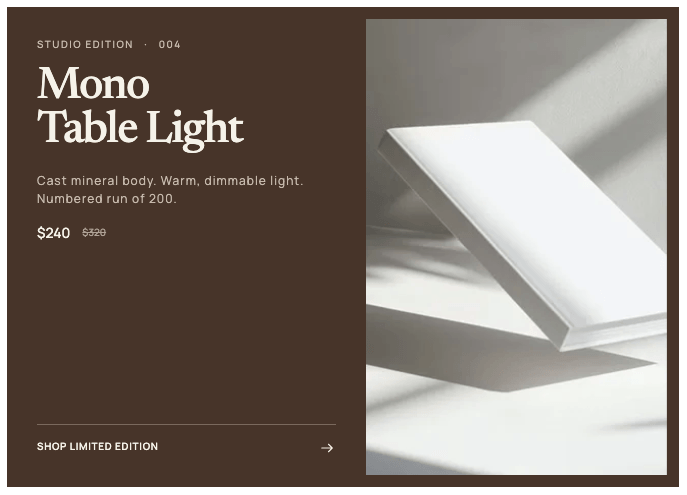
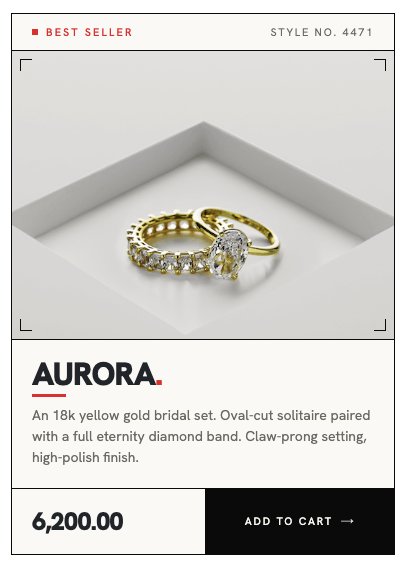
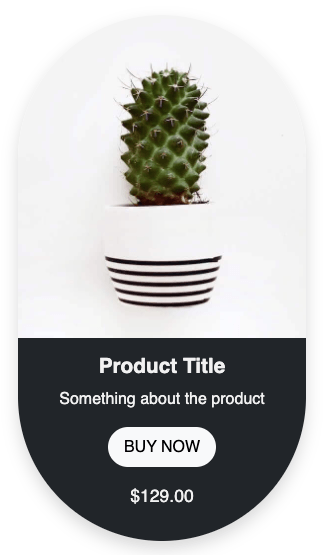
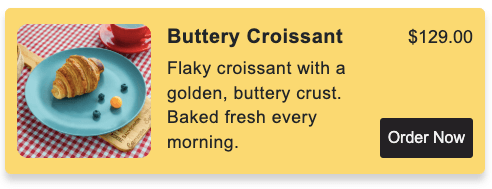
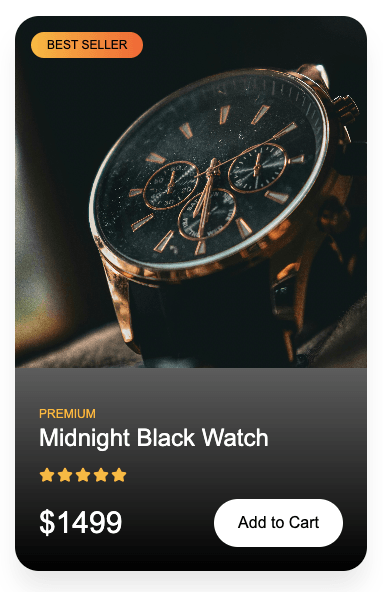
Simple responsive product card built with HTML and CSS. It has a product image, title, ratings, price, a CTA, and a wishlist button. It’s a great starting point for any ecommerce or shop page and easy to customize with your own colors and content.
Final output:
Product title
(123)
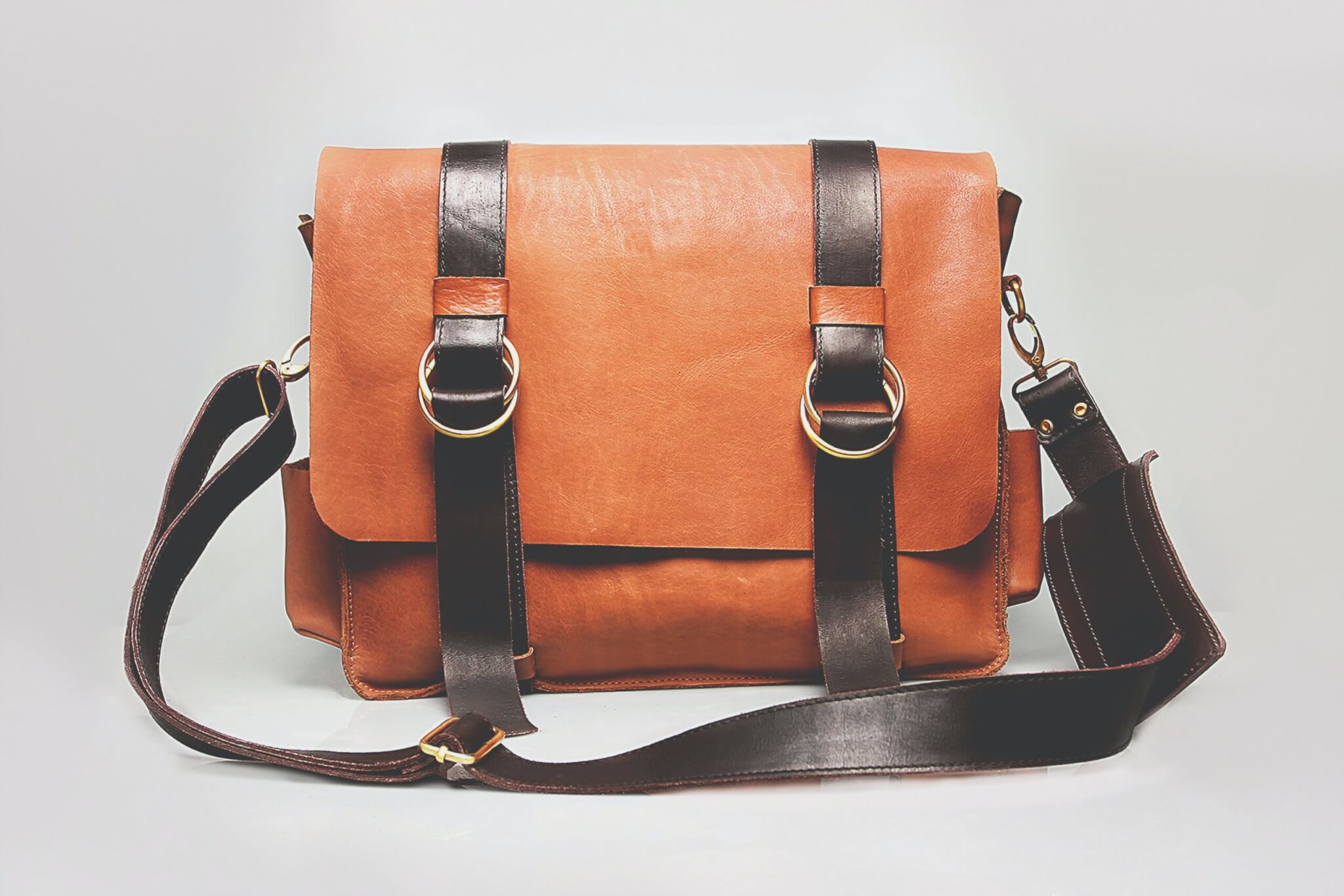
1. Let’s start by adding a .product-card div. Inside it, add the product image and a .card-body div.
<div class="product-card">
    <img src="bag.jpg" alt="...">
    <div class="card-body">
    </div>
</div>
Reset margins, set the font family, and style your card. Add a box shadow to the product card.
* {
    margin: 0;
    box-sizing: border-box;
}

body {
    font-family: Arial, Helvetica, sans-serif;
}

.product-card {
    max-width: 18rem;
    color: #212529;
    box-shadow: 0 .5rem 1rem rgba(0, 0, 0, .15);
}

.product-card img {
    width: 100%;
}
We’ll be using Bootstrap icons here. Add the link to the head.
<link rel="stylesheet" href="https://cdn.jsdelivr.net/npm/bootstrap-icons@1.13.1/font/bootstrap-icons.min.css">Output:
2. Add your product details in your .card-body.
<div class="card-body">
    <div>
        <h3 class="card-title">Product title</h3>
        <p class="card-text">
            <i class="bi bi-star-fill"></i>
            <i class="bi bi-star-fill"></i>
            <i class="bi bi-star-fill"></i>
            <i class="bi bi-star-fill"></i>
            <i class="bi bi-star-fill"></i>
            (123)
        </p>
    </div>
    <div>
        <i class="bi bi-bookmark-plus"></i>
    </div>
</div>
Use flexbox to style the card body. Set the justify-content to space-between, to space them out.Style the product title and the icons too.
.product-card .card-body {
    display: flex;
    justify-content: space-between;
    padding: 1rem;
    margin: .5rem 0;
}

.product-card .card-title {
    margin-bottom: .5rem;
    font-size: 1.5rem;
    font-weight: 500;
    line-height: 1.2;
}

.product-card i:not(.bi-bookmark-plus) {
    color: #ffc107;
}

.product-card .bi-bookmark-plus {
    font-size: 2rem;
}
Output:
Product title
(123)
3. Add a .card-footer div to your product card. Here you can add the product price and a CTA button to add the product to the cart.
<div class="card-footer">
    <h4>$129</h4>
    <a href="#" class="cart-button">ADD TO CART</a>
</div>
Style this bottom section using CSS grid. Style your button and add a little hover effect along with a transition.
.product-card .card-footer {
    display: grid;
    grid-template-columns: 1fr 2fr;
    text-align: center;
    align-items: center;
}

.product-card h4 {
    font-size: 1.25rem;
    font-weight: 500;
    line-height: 1.2;
}

.product-card .cart-button {
    padding: 1rem;
    color: #ffc107;
    background-color: #212529;
    text-decoration: none;
    transition: opacity .3s ease;
}

.product-card .cart-button:hover {
    opacity: .9;
}
Output:
Product title
(123)
Final Output Code for Responsive Product Card HTML CSS #5:
HTML
<div class="product-card">
    <img src="bag.jpg" alt="...">
    <div class="card-body">
        <div>
            <h3 class="card-title">Product title</h3>
            <p class="card-text">
                <i class="bi bi-star-fill"></i>
                <i class="bi bi-star-fill"></i>
                <i class="bi bi-star-fill"></i>
                <i class="bi bi-star-fill"></i>
                <i class="bi bi-star-fill"></i>
                (123)
            </p>
        </div>
        <div>
            <i class="bi bi-bookmark-plus"></i>
        </div>
    </div>
    <div class="card-footer">
        <h4>$129</h4>
        <a href="#" class="cart-button">ADD TO CART</a>
    </div>
</div>
CSS
* {
    margin: 0;
    box-sizing: border-box;
}

body {
    font-family: Arial, Helvetica, sans-serif;
}

.product-card {
    max-width: 18rem;
    color: #212529;
    box-shadow: 0 .5rem 1rem rgba(0, 0, 0, .15);
}

.product-card img {
    width: 100%;
}

.product-card .card-body {
    display: flex;
    justify-content: space-between;
    padding: 1rem;
    margin: .5rem 0;
}

.product-card .card-title {
    margin-bottom: .5rem;
    font-size: 1.5rem;
    font-weight: 500;
    line-height: 1.2;
}

.product-card i:not(.bi-bookmark-plus) {
    color: #ffc107;
}

.product-card .bi-bookmark-plus {
    font-size: 2rem;
}

.product-card .card-footer {
    display: grid;
    grid-template-columns: 1fr 2fr;
    text-align: center;
    align-items: center;
}

.product-card h4 {
    font-size: 1.25rem;
    font-weight: 500;
    line-height: 1.2;
}

.product-card .cart-button {
    padding: 1rem;
    color: #ffc107;
    background-color: #212529;
    text-decoration: none;
    transition: opacity .3s ease;
}

.product-card .cart-button:hover {
    opacity: .9;
}
If you have any doubts or stuck somewhere, you can reach out through Coding Yaar's Discord server.