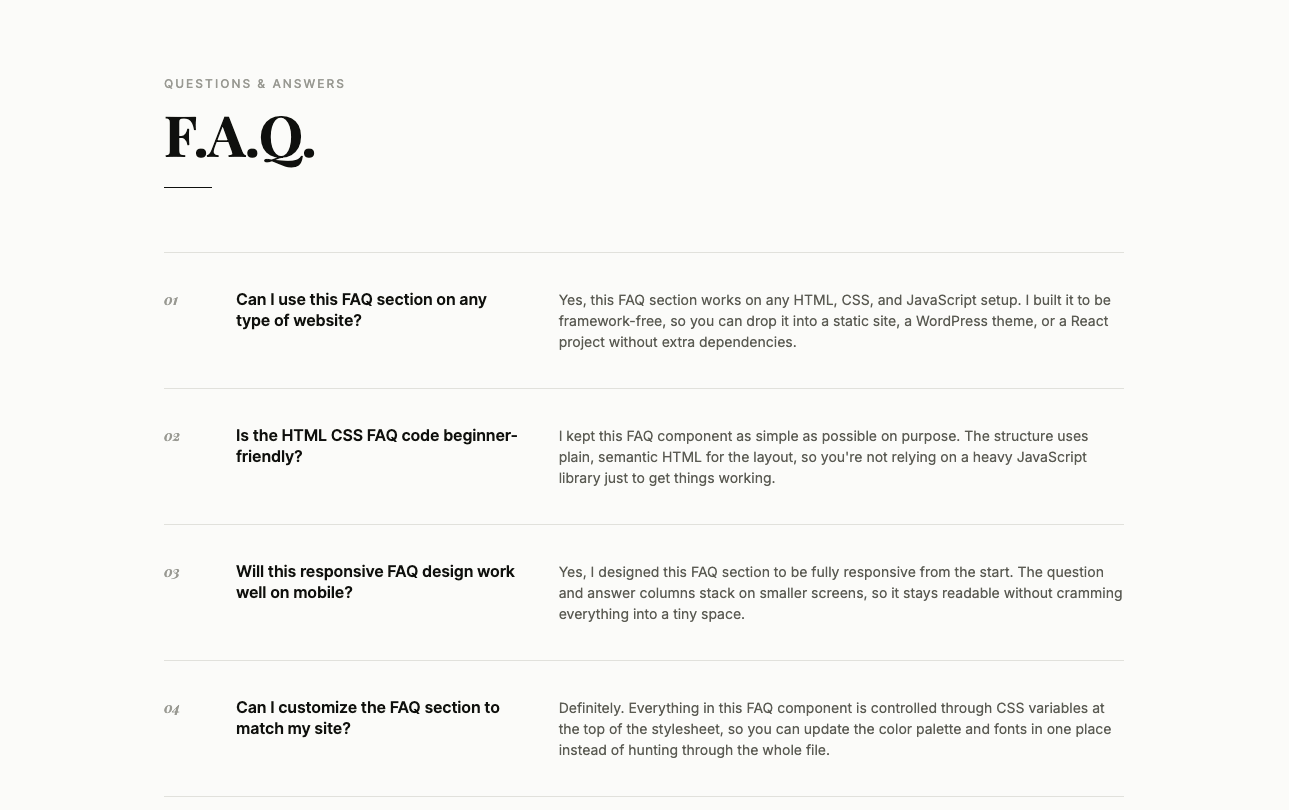
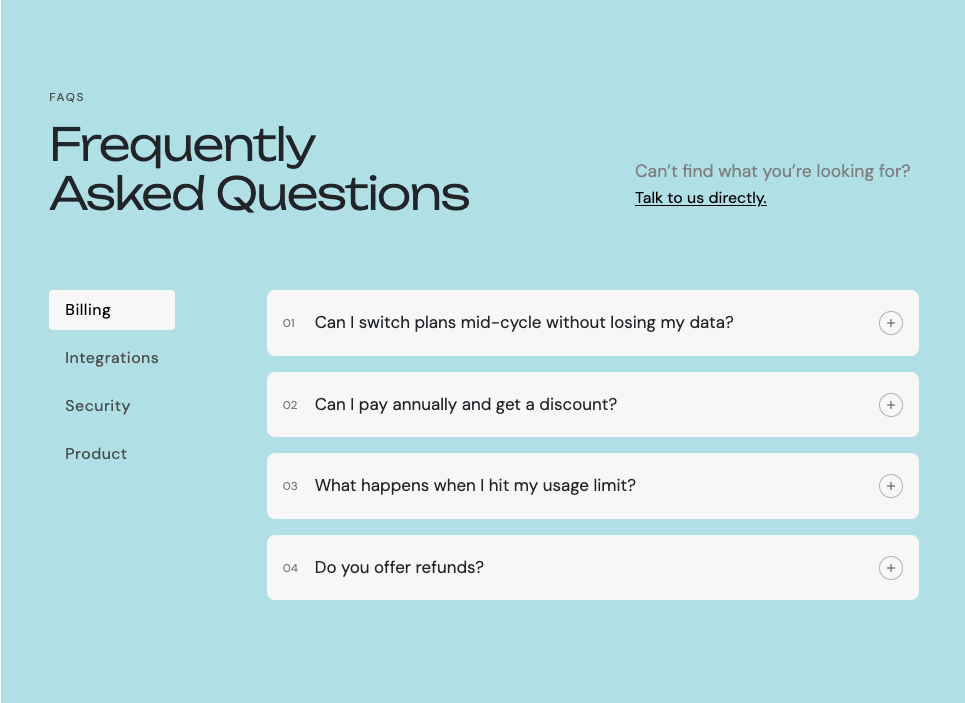
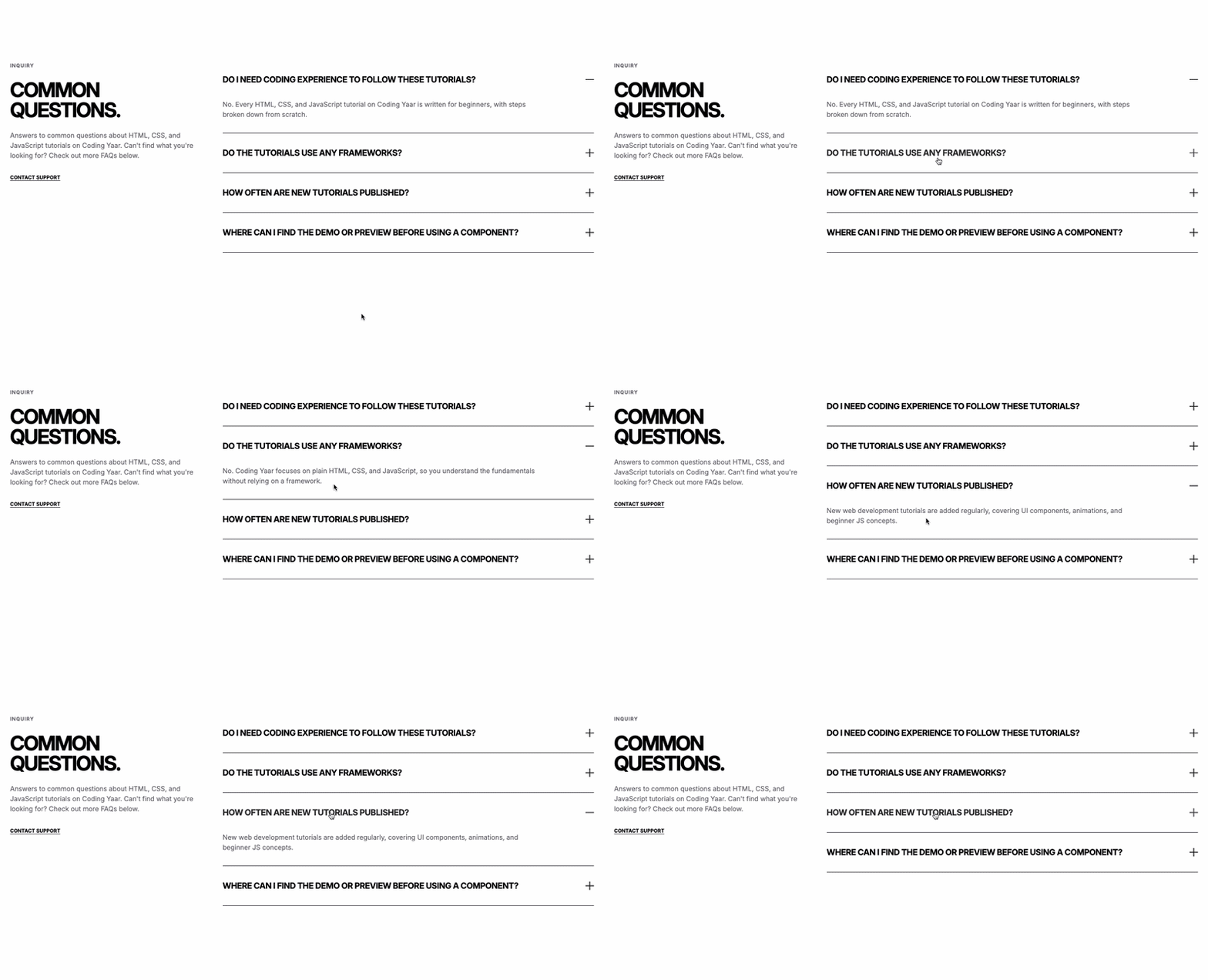
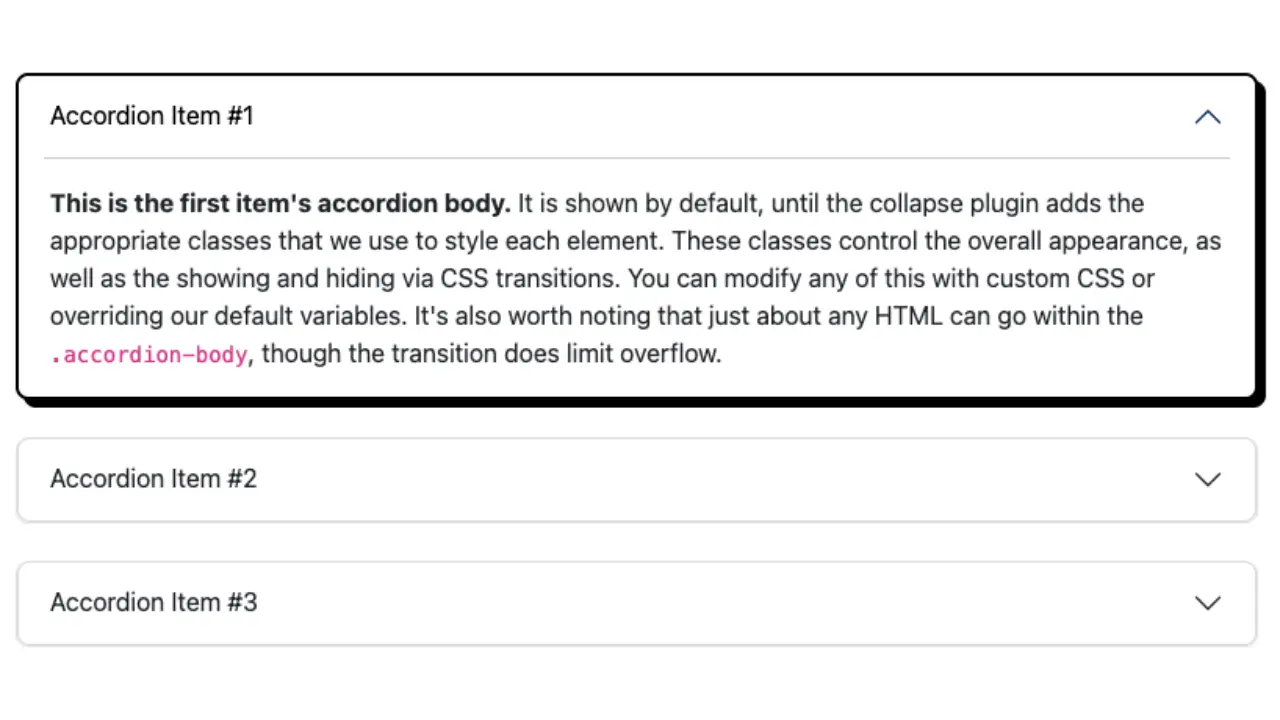
This FAQ section HTML CSS JS tutorial shows you how to build a two-column FAQ layout with a bold neo-brutalist style. The left side has a tagged label and a large Anton font heading, while the right side has a list of accordion FAQ items with a thick dark border and a plus/minus icon indicator. The open and close animation uses the same grid-template-rows trick from the previous FAQ posts, so each answer slides in and out smoothly without JavaScript needing to know the exact height.
Final output:
Questions,
answered.
Do I need coding experience to follow these tutorials?
No. Every HTML, CSS, and JavaScript tutorial on Coding Yaar is written for beginners, with steps broken down from scratch.
Do the tutorials use any frameworks?
No. Coding Yaar focuses on plain HTML, CSS, and JavaScript, so you understand the fundamentals without relying on a framework.
How often are new tutorials published?
New web development tutorials are added regularly, covering UI components, animations, and beginner JS concepts.
Where can I find the demo or preview before using a component?
Every tutorial includes a live preview so you can see how it looks and behaves before adding it to your site.
Steps for FAQ Section HTML CSS JS #4:
1. Link the Anton and Space Mono fonts from Google Fonts in the head.
<link rel="preconnect" href="https://fonts.googleapis.com">
<link rel="preconnect" href="https://fonts.gstatic.com" crossorigin>
<link href="https://fonts.googleapis.com/css2?family=Anton&family=Space+Mono:ital,wght@0,400;0,700;1,400;1,700&display=swap" rel="stylesheet">
Let’s start with a section element with the class faq-section. Inside it, add a .faq-wrapper div with a .faq-left-wrapper and a .faq-right-wrapper div.
<section class="faq-section">
    <div class="faq-wrapper">
        <div class="faq-left-wrapper"></div>
        <div class="faq-right-wrapper"></div>
    </div>
</section>
Then reset margins, define the Anton font and near-black color as CSS variables on :root, and set Space Mono as the font family. Use clamp() on the padding so it scales with the screen size. Style .faq-wrapper with a two-column grid giving the left column less space than the right. On mobile, collapse to a single column.
* {
    margin: 0;
    box-sizing: border-box;
}
:root {
    --heading-font: "Anton", sans-serif;
    --black: hsl(0, 0%, 4%);
}
body {
    font-family: "Space Mono", monospace;
}
.faq-section {
    padding: clamp(2.5rem, calc(1rem + 4.44vw), 5rem) clamp(2rem, calc(1rem + 5.56vw), 6rem);
}
.faq-section .faq-wrapper {
    max-width: 100rem;
    margin-inline: auto;
    display: grid;
    gap: 2rem 4rem;
    grid-template-columns: 1fr 2fr;
}
@media screen and (max-width: 769px) {
    .faq-section .faq-wrapper {
        grid-template-columns: 1fr;
    }
}
2. Fill in .faq-left-wrapper with the section label and heading.
<div class="faq-left-wrapper">
    <span class="section-label">FAQ</span>
    <h2>Questions,<br> answered.</h2>
</div>
Style the section label with a small bold uppercase font and a dark border so it reads like a tag. Then style the heading with the Anton font and use clamp() on the font size so it scales smoothly.
.faq-section .faq-left-wrapper {
    max-width: 30rem;
}
.faq-section .section-label {
    font-weight: 700;
    font-size: .75rem;
    line-height: 1.3;
    letter-spacing: 1.12px;
    text-transform: uppercase;
    padding: .25rem .375rem;
    border: 2px solid var(--black);
}
.faq-section .faq-left-wrapper h2 {
    margin-top: 1rem;
    font-family: var(--heading-font);
    font-size: clamp(2rem, calc(1rem + 3vw), 3rem);
    line-height: 1.25;
    text-transform: uppercase;
}
Output:
Questions,
answered.
3. Fill in .faq-right-wrapper with your FAQ items. Each item uses a details element with a summary for the question and a .faq-content div for the answer. Add open to the first details so it starts expanded. The .icon span inside each summary acts as the plus/minus indicator. The JavaScript handles the open and close animation, so we cover that in a later step.
<div class="faq-right-wrapper">
    <details open>
        <summary>Do I need coding experience to follow these tutorials?<span class="icon"></span></summary>
        <div class="faq-content">
            <div>
                <p>No. Every HTML, CSS, and JavaScript tutorial on Coding Yaar is written for beginners, with steps broken down from scratch.</p>
            </div>
        </div>
    </details>
    <details>
        <summary>Do the tutorials use any frameworks?<span class="icon"></span></summary>
        <div class="faq-content">
            <div>
                <p>No. Coding Yaar focuses on plain HTML, CSS, and JavaScript, so you understand the fundamentals without relying on a framework.</p>
            </div>
        </div>
    </details>
    <!-- add more items -->
</div>
Style each details element with a dark border. Remove the bottom border on all items except the last one using :last-child, since otherwise adjacent items would double up the border between them. Style summary with flexbox and the justify content property set to space-between so the question and icon sit at opposite ends. Remove the default browser arrow using ::-webkit-details-marker.
.faq-section .faq-right-wrapper details {
    border: 3px solid var(--black);
    border-bottom: 0;
    transition: border-color 0.15s ease;
}
.faq-section .faq-right-wrapper details:last-child {
    border-bottom: 3px solid var(--black);
}
.faq-section .faq-right-wrapper summary {
    padding: 1.625rem 1.5rem;
    cursor: pointer;
    list-style: none;
    display: flex;
    justify-content: space-between;
    gap: 1rem;
    align-items: center;
    font-weight: 700;
    font-size: 1rem;
    line-height: 1.4;
    transition: opacity .15s ease;
}
.faq-section .faq-right-wrapper summary:hover {
    opacity: .7;
}
.faq-section .faq-right-wrapper summary::-webkit-details-marker {
    display: none;
}
Output:
Questions,
answered.
Do I need coding experience to follow these tutorials?
No. Every HTML, CSS, and JavaScript tutorial on Coding Yaar is written for beginners, with steps broken down from scratch.
Do the tutorials use any frameworks?
No. Coding Yaar focuses on plain HTML, CSS, and JavaScript, so you understand the fundamentals without relying on a framework.
How often are new tutorials published?
New web development tutorials are added regularly, covering UI components, animations, and beginner JS concepts.
Where can I find the demo or preview before using a component?
Every tutorial includes a live preview so you can see how it looks and behaves before adding it to your site.
4. Style the .icon span and the .faq-content animation. Both use the same approach as the FAQ Section HTML CSS JavaScript post, so if you’ve already read that one this will feel very familiar. The only differences are that the icon bars are 3px thick instead of 2px to match the heavier border style of this design.
.faq-section .icon {
    position: relative;
    width: .75rem;
    height: .75rem;
    flex-shrink: 0;
}
.faq-section .icon::before,
.faq-section .icon::after {
    content: '';
    position: absolute;
    background: var(--black);
    transition: transform 0.15s ease;
}
.faq-section .icon::before {
    top: 50%;
    left: 0;
    width: 100%;
    height: 3px;
    transform: translateY(-50%);
}
.faq-section .icon::after {
    left: 50%;
    top: 0;
    height: 100%;
    width: 3px;
    transform: translateX(-50%);
}
.faq-section details[open] .icon::after {
    transform: translateX(-50%) rotate(90deg) scale(0);
}
.faq-section .faq-content {
    padding-inline: 1.5rem;
    display: grid;
    grid-template-rows: 0fr;
    transition: grid-template-rows 0.15s ease;
    max-width: 48rem;
}
.faq-section .faq-content > div {
    overflow: hidden;
    opacity: 0;
    transition: opacity 0.15s ease;
}
.faq-section details[open] .faq-content {
    grid-template-rows: 1fr;
}
.faq-section details[open] .faq-content > div {
    opacity: 1;
}
.faq-section .faq-content p {
    margin-bottom: 2rem;
    font-size: 0.875rem;
    line-height: 1.5;
    color: hsl(0, 0%, 20%);
}
@media screen and (max-width: 769px) {
    .faq-section .faq-content p {
        margin-bottom: 1.5rem;
    }
}
Output:
Questions,
answered.
Do I need coding experience to follow these tutorials?
No. Every HTML, CSS, and JavaScript tutorial on Coding Yaar is written for beginners, with steps broken down from scratch.
Do the tutorials use any frameworks?
No. Coding Yaar focuses on plain HTML, CSS, and JavaScript, so you understand the fundamentals without relying on a framework.
How often are new tutorials published?
New web development tutorials are added regularly, covering UI components, animations, and beginner JS concepts.
Where can I find the demo or preview before using a component?
Every tutorial includes a live preview so you can see how it looks and behaves before adding it to your site.
5. Now add the JavaScript. Link script.js before the closing body tag. The open and close animation logic is also exactly the same as the FAQ Section HTML CSS JavaScript post, so you can reuse that script directly.
document.addEventListener("DOMContentLoaded", () => {

    function closeDetail(el, content) {
        if (!el.open) return;
        content.style.gridTemplateRows = '1fr';
        requestAnimationFrame(() => requestAnimationFrame(() => {
            content.style.gridTemplateRows = '0fr';
        }));
        content.addEventListener('transitionend', function handler(e) {
            if (e.propertyName !== 'grid-template-rows') return;
            el.open = false;
            content.removeEventListener('transitionend', handler);
        });
    }

    function openDetail(el, content) {
        el.open = true;
        content.style.gridTemplateRows = '0fr';
        requestAnimationFrame(() => requestAnimationFrame(() => {
            content.style.gridTemplateRows = '1fr';
        }));
    }

    document.querySelectorAll('.faq-section details').forEach(el => {
        const content = el.querySelector('.faq-content');
        el.querySelector('summary').addEventListener('click', e => {
            e.preventDefault();
            if (el.open) {
                closeDetail(el, content);
            } else {
                document.querySelectorAll('details[open]').forEach(other => {
                    if (other !== el) closeDetail(other, other.querySelector('.faq-content'));
                });
                openDetail(el, content);
            }
        });
    });
});Questions,
answered.
Do I need coding experience to follow these tutorials?
No. Every HTML, CSS, and JavaScript tutorial on Coding Yaar is written for beginners, with steps broken down from scratch.
Do the tutorials use any frameworks?
No. Coding Yaar focuses on plain HTML, CSS, and JavaScript, so you understand the fundamentals without relying on a framework.
How often are new tutorials published?
New web development tutorials are added regularly, covering UI components, animations, and beginner JS concepts.
Where can I find the demo or preview before using a component?
Every tutorial includes a live preview so you can see how it looks and behaves before adding it to your site.
Final Output Code for FAQ Section HTML CSS JS #4:
Head
<link rel="preconnect" href="https://fonts.googleapis.com">
<link rel="preconnect" href="https://fonts.gstatic.com" crossorigin>
<link href="https://fonts.googleapis.com/css2?family=Anton&family=Space+Mono:ital,wght@0,400;0,700;1,400;1,700&display=swap" rel="stylesheet">
HTML
<section class="faq-section">
    <div class="faq-wrapper">
        <div class="faq-left-wrapper">
            <span class="section-label">FAQ</span>
            <h2>Questions,<br>
                answered.</h2>
        </div>
        <div class="faq-right-wrapper">
            <details open>
                <summary>Do I need coding experience to follow these tutorials?<span class="icon"></span></summary>
                <div class="faq-content">
                    <div>
                        <p>No. Every HTML, CSS, and JavaScript tutorial on Coding Yaar is written for beginners,
                            with steps broken
                            down from scratch.</p>
                    </div>
                </div>
            </details>

            <details>
                <summary>Do the tutorials use any frameworks?<span class="icon"></span></summary>
                <div class="faq-content">
                    <div>
                        <p>No. Coding Yaar focuses on plain HTML, CSS, and JavaScript, so you understand the
                            fundamentals without
                            relying on a framework.</p>
                    </div>
                </div>
            </details>

            <details>
                <summary>How often are new tutorials published?<span class="icon"></span></summary>
                <div class="faq-content">
                    <div>
                        <p>New web development tutorials are added regularly, covering UI components, animations,
                            and beginner JS
                            concepts.</p>
                    </div>
                </div>
            </details>

            <details>
                <summary>Where can I find the demo or preview before using a component?
                    <span class="icon"></span>
                </summary>
                <div class="faq-content">
                    <div>
                        <p>Every tutorial includes a live preview so you can see how it looks and behaves before
                            adding it to your
                            site.</p>
                    </div>
                </div>
            </details>
        </div>
    </div>
</section>
CSS
* {
    margin: 0;
    box-sizing: border-box;
}
:root {
    --heading-font: "Anton", sans-serif;
    --black: hsl(0, 0%, 4%);
}
body {
    font-family: "Space Mono", monospace;
}
.faq-section {
    padding: clamp(2.5rem, calc(1rem + 4.44vw), 5rem) clamp(2rem, calc(1rem + 5.56vw), 6rem);
}
.faq-section .faq-wrapper {
    max-width: 100rem;
    margin-inline: auto;
    display: grid;
    gap: 2rem 4rem;
    grid-template-columns: 1fr 2fr;
}
@media screen and (max-width: 769px) {
    .faq-section .faq-wrapper {
        grid-template-columns: 1fr;
    }
}
.faq-section .faq-left-wrapper {
    max-width: 30rem;
}
.faq-section .section-label {
    font-weight: 700;
    font-size: .75rem;
    line-height: 1.3;
    letter-spacing: 1.12px;
    text-transform: uppercase;
    padding: .25rem .375rem;
    border: 2px solid var(--black);
}
.faq-section .faq-left-wrapper h2 {
    margin-top: 1rem;
    font-family: var(--heading-font);
    font-size: clamp(2rem, calc(1rem + 3vw), 3rem);
    line-height: 1.25;
    text-transform: uppercase;
}
.faq-section .faq-right-wrapper details {
    border: 3px solid var(--black);
    border-bottom: 0;
    transition: border-color 0.15s ease;
}
.faq-section .faq-right-wrapper details:last-child {
    border-bottom: 3px solid var(--black);
}
.faq-section .faq-right-wrapper summary {
    padding: 1.625rem 1.5rem;
    cursor: pointer;
    list-style: none;
    display: flex;
    justify-content: space-between;
    gap: 1rem;
    align-items: center;
    font-weight: 700;
    font-size: 1rem;
    line-height: 1.4;
    transition: opacity .15s ease;
}
.faq-section .faq-right-wrapper summary:hover {
    opacity: .7;
}
.faq-section .faq-right-wrapper summary::-webkit-details-marker {
    display: none;
}
.faq-section .icon {
    position: relative;
    width: .75rem;
    height: .75rem;
    flex-shrink: 0;
}
.faq-section .icon::before,
.faq-section .icon::after {
    content: '';
    position: absolute;
    background: var(--black);
    transition: transform 0.15s ease;
}
.faq-section .icon::before {
    top: 50%;
    left: 0;
    width: 100%;
    height: 3px;
    transform: translateY(-50%);
}
.faq-section .icon::after {
    left: 50%;
    top: 0;
    height: 100%;
    width: 3px;
    transform: translateX(-50%);
}
.faq-section details[open] .icon::after {
    transform: translateX(-50%) rotate(90deg) scale(0);
}
.faq-section .faq-content {
    padding-inline: 1.5rem;
    display: grid;
    grid-template-rows: 0fr;
    transition: grid-template-rows 0.15s ease;
    max-width: 48rem;
}
.faq-section .faq-content > div {
    overflow: hidden;
    opacity: 0;
    transition: opacity 0.15s ease;
}
.faq-section details[open] .faq-content {
    grid-template-rows: 1fr;
}
.faq-section details[open] .faq-content > div {
    opacity: 1;
}
.faq-section .faq-content p {
    margin-bottom: 2rem;
    font-size: 0.875rem;
    line-height: 1.5;
    color: hsl(0, 0%, 20%);
}
@media screen and (max-width: 769px) {
    .faq-section .faq-content p {
        margin-bottom: 1.5rem;
    }
}
JS:
document.addEventListener("DOMContentLoaded", () => {

    function closeDetail(el, content) {
        if (!el.open) return;
        content.style.gridTemplateRows = '1fr';
        requestAnimationFrame(() => requestAnimationFrame(() => {
            content.style.gridTemplateRows = '0fr';
        }));
        content.addEventListener('transitionend', function handler(e) {
            if (e.propertyName !== 'grid-template-rows') return;
            el.open = false;
            content.removeEventListener('transitionend', handler);
        });
    }

    function openDetail(el, content) {
        el.open = true;
        content.style.gridTemplateRows = '0fr';
        requestAnimationFrame(() => requestAnimationFrame(() => {
            content.style.gridTemplateRows = '1fr';
        }));
    }

    document.querySelectorAll('.faq-section details').forEach(el => {
        const content = el.querySelector('.faq-content');
        el.querySelector('summary').addEventListener('click', e => {
            e.preventDefault();
            if (el.open) {
                closeDetail(el, content);
            } else {
                document.querySelectorAll('details[open]').forEach(other => {
                    if (other !== el) closeDetail(other, other.querySelector('.faq-content'));
                });
                openDetail(el, content);
            }
        });
    });
});
If you have any doubts or stuck somewhere, you can reach out through Coding Yaar's Discord server.