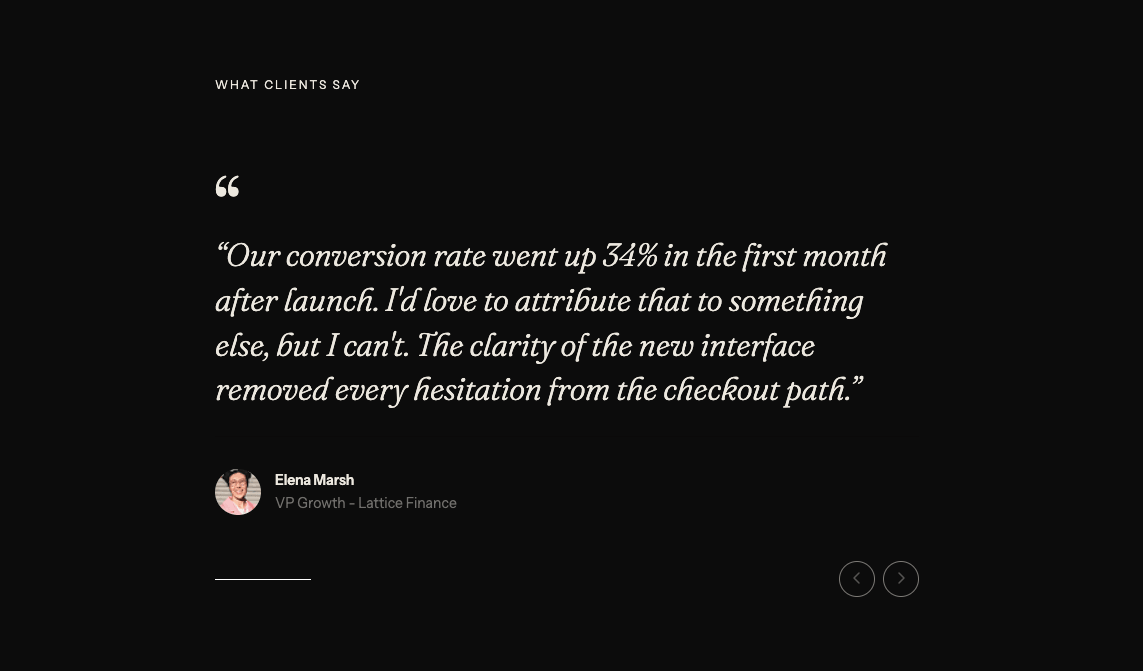
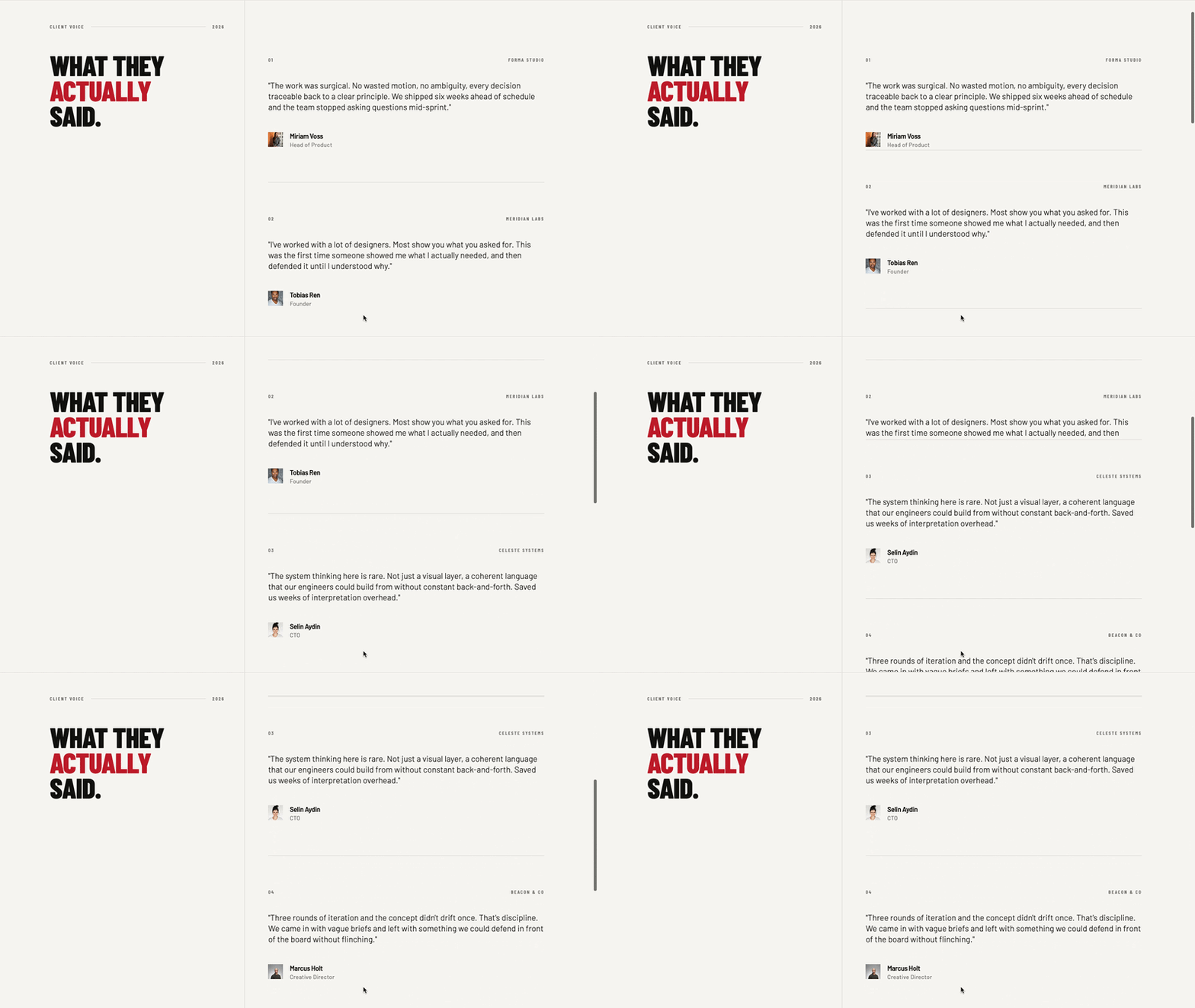
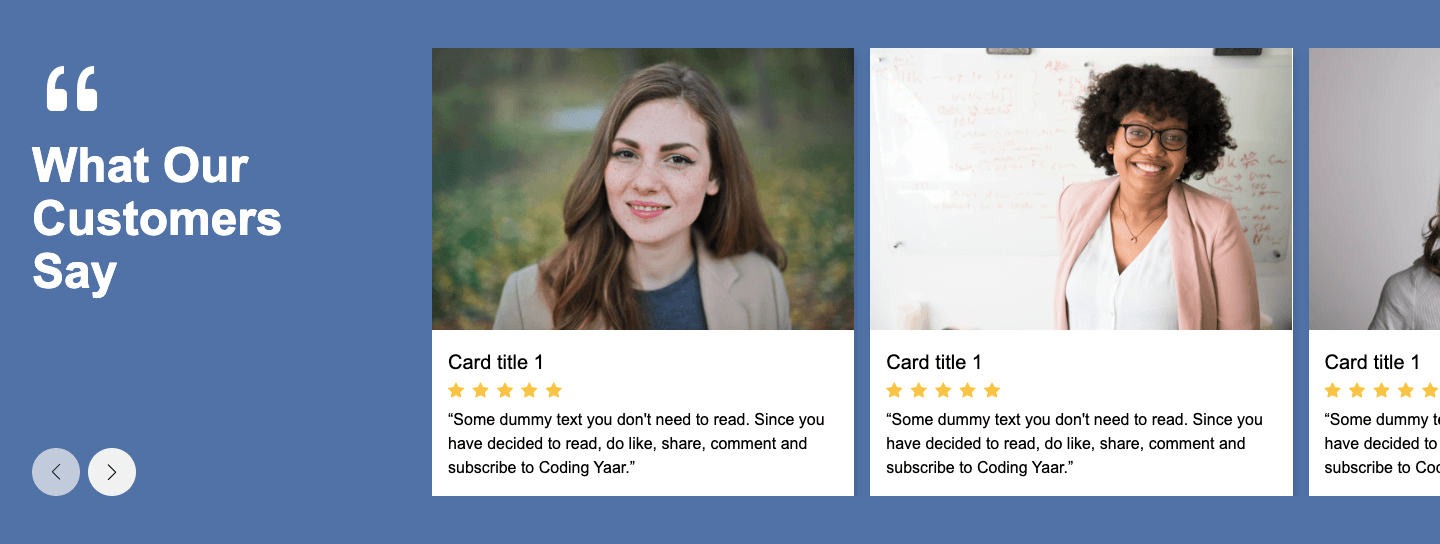
This testimonial section deisgn with HTML CSS Swiper JS tutorial shows you how to build a customer stories section with a heading, custom circular prev and next buttons, and a two-card slider. Each card stays equal in height, and the author details stick to the bottom using margin-top: auto. Swiper handles the navigation, dynamic pagination bullets, and a responsive breakpoint that switches from two slides to one on mobile.
Final output:
Customer stories
Built for the way good teams work.
Northstar
01 / 05“The rollout was exceptionally smooth. Within one quarter, our teams had a shared workflow and far fewer handoffs to manage.”

Miriam Voss
Chief Operating OfficerFormwork
02 / 05“It gives us the structure we need without slowing anyone down. That balance is difficult to find, and it has changed how we work.”

Tobias Ren
VP of ProductMeridian
03 / 05“We replaced a patchwork of tools with one clear system. Reporting is faster, ownership is visible, and decisions happen sooner.”

Marcus Holt
Director of StrategyCommon & Co.
04/ 05“Our clients noticed the difference before we announced the change. Work arrives more considered, and our delivery is more consistent.”

Florian Kaas
Managing PartnerPlainview
05 / 05“The team understood it immediately. We were fully operational in days, and the time saved now compounds every single week.”

Elena Marsh
Founder & CEOSteps for Testimonial Section Design:
1. Start with the section structure.
Link the Manrope font from Google Font in the head.
<link rel="preconnect" href="https://fonts.googleapis.com">
<link rel="preconnect" href="https://fonts.gstatic.com" crossorigin>
<link href="https://fonts.googleapis.com/css2?family=Manrope:wght@200..800&display=swap" rel="stylesheet">
Include Swiper’s CSS and JS files in your HTML.
<!-- add to Head -->
<link rel="stylesheet" href="https://cdn.jsdelivr.net/npm/swiper@11/swiper-bundle.min.css" />

<!-- add before </body> -->
<script src="https://cdn.jsdelivr.net/npm/swiper@11/swiper-bundle.min.js"></script>
Let’s start with a section element with the class testimonials-section. Inside it, I am adding a .section-container div with a .testimonials-header and a .testimonials-slider-wrapper.
<section class="testimonials-section">
    <div class="section-container">
        <div class="testimonials-header"></div>
        <div class="testimonials-slider-wrapper"></div>
    </div>
</section>
Then reset the margins and set Manrope as the font family. Give the section a warm off-white background and use the min() function on the inline padding so it never gets bigger than 5rem. Finally, center the container with the margin inline property set to auto and a max width.
* {
    margin: 0;
    box-sizing: border-box;
}
body {
    font-family: "Manrope", sans-serif;
}
.testimonials-section {
    padding: 4rem min(5rem, 5%);
    background-color: hsla(60, 14%, 95%, 1);
    color: hsla(80, 7%, 9%, 1);
}
.testimonials-section .section-container {
    max-width: 80rem;
    margin-inline: auto;
}
2. Style the testimonials section header.
Next, fill in .testimonials-header with a left side for the label and heading, and a right side for the slider controls.
<div class="testimonials-header">
    <div class="testimonials-header-left">
        <p>Customer stories</p>
        <h2>Built for the way good teams work.</h2>
    </div>
    <div class="testimonials-header-right">
        <div class="slider-controls">
            <div class="swiper-button-prev">
                <svg width="18" height="18" viewBox="0 0 18 18" fill="none" xmlns="http://www.w3.org/2000/svg">
                    <path d="M14.25 9H3.75M8 4.75L3.75 9L8 13.25" stroke-width="1.5" stroke-linecap="round" stroke-linejoin="round" stroke="currentColor" />
                </svg>
            </div>
            <div class="swiper-button-next">
                <svg width="18" height="18" viewBox="0 0 18 18" fill="none" xmlns="http://www.w3.org/2000/svg">
                    <path d="M3.75 9H14.25M10 13.25L14.25 9L10 4.75" stroke-width="1.5" stroke-linecap="round" stroke-linejoin="round" stroke="currentColor" />
                </svg>
            </div>
        </div>
    </div>
</div>
Use flexbox with the justify content property set to space-between so the heading and controls sit at opposite ends. Then set the align items property to flex-end so the buttons line up with the bottom of the heading. Since the row can get tight, add flex-wrap: wrap as well.
.testimonials-section .testimonials-header {
    padding-bottom: 2.25rem;
    display: flex;
    justify-content: space-between;
    align-items: flex-end;
    flex-wrap: wrap;
    gap: 3rem;
}
Now style the label with a small uppercase font and a wide letter spacing. For the heading, I am using clamp() on the font size so it scales smoothly, plus a tight line height and a negative letter spacing.
.testimonials-section .testimonials-header-left p {
    font-weight: 600;
    font-size: .75rem;
    line-height: 1.5;
    letter-spacing: 1.76px;
    text-transform: uppercase;
    color: hsla(75, 4%, 40%, 1);
}
.testimonials-section .testimonials-header-left h2 {
    margin-top: .75rem;
    font-weight: 500;
    font-size: clamp(2.5rem, calc(1rem + 2.36vw), 3.125rem);
    line-height: 1.15;
    letter-spacing: -0.04em;
    max-width: 38rem;
}
Output:
Customer stories
Built for the way good teams work.
3. Style the slider controls.
Use flexbox with a gap to place the two buttons side by side. Swiper positions its buttons absolutely by default, so set the position property to relative on each one so they stay inside the header. Make them circles using the border radius property set to 50%. On hover, swap the background and icon colors so the buttons feel interactive.
.testimonials-section .slider-controls {
    display: flex;
    justify-content: flex-end;
    gap: 1rem;
}
.testimonials-section .slider-controls .swiper-button-next,
.testimonials-section .slider-controls .swiper-button-prev {
    position: relative;
    width: 2.75rem;
    height: 2.75rem;
    border-radius: 50%;
    border: 1px solid hsla(68, 7%, 78%, 1);
    color: hsla(80, 7%, 9%, 1);
    transition: color .15s, background-color .15s;
}
.testimonials-section .slider-controls .swiper-button-next:hover,
.testimonials-section .slider-controls .swiper-button-prev:hover {
    background-color: hsla(80, 7%, 9%, 1);
    color: hsla(60, 14%, 95%, 1);
}
.testimonials-section .slider-controls svg {
    fill: none;
    width: 1.125rem;
    height: 1.125rem;
}
Output:
Customer stories
Built for the way good teams work.
4. Add the Swiper slider with testimonial cards
Now let’s build the slider markup. Link the Swiper CSS in the head, and the Swiper JS just before the closing body tag. Inside .testimonials-slider-wrapper, add a .swiper div with the class testimonial-swiper. Then add a .swiper-wrapper, one .swiper-slide per testimonial, and a .swiper-pagination div at the end.
<div class="testimonials-slider-wrapper">
    <div class="swiper testimonial-swiper">
        <div class="swiper-wrapper">
            <div class="swiper-slide">
                <div class="testimonial-card">
                    <div class="testimonial-card-top">
                        <p>Northstar</p>
                        <span>01 / 05</span>
                    </div>
                    <blockquote>“The rollout was exceptionally smooth. Within one quarter, our teams had a shared workflow and far fewer handoffs to manage.”</blockquote>
                    <div class="testimonial-author-details">
                        <img src="miriam-voss.png" alt="">
                        <div>
                            <h3>Miriam Voss</h3>
                            <span>Chief Operating Officer</span>
                        </div>
                    </div>
                </div>
            </div>
            <!-- add more slides -->
        </div>
        <div class="swiper-pagination"></div>
    </div>
</div>
Add a top border and some top padding to the wrapper so the slider is clearly separated from the header above.
.testimonials-section .testimonials-slider-wrapper {
    padding-top: 3rem;
    border-top: 1px solid hsla(60, 8%, 82%, 1);
}
Output:
Customer stories
Built for the way good teams work.
Northstar
01 / 05“The rollout was exceptionally smooth. Within one quarter, our teams had a shared workflow and far fewer handoffs to manage.”
Miriam Voss
Chief Operating OfficerFormwork
02 / 05“It gives us the structure we need without slowing anyone down. That balance is difficult to find, and it has changed how we work.”
Tobias Ren
VP of ProductMeridian
03 / 05“We replaced a patchwork of tools with one clear system. Reporting is faster, ownership is visible, and decisions happen sooner.”
Marcus Holt
Director of StrategyCommon & Co.
04/ 05“Our clients noticed the difference before we announced the change. Work arrives more considered, and our delivery is more consistent.”
Florian Kaas
Managing PartnerPlainview
05 / 05“The team understood it immediately. We were fully operational in days, and the time saved now compounds every single week.”
Elena Marsh
Founder & CEO5. Style testimonial card
Swiper slides get their height from their content, so set the height property to auto on .swiper-slide. Then set the height to 100% on the card so every card in the row matches the tallest one. Use flexbox with the flex direction property set to column on the card, because the author details can then be pushed to the bottom with margin-top: auto.
.testimonials-section .swiper-slide {
    height: auto;
}
.testimonials-section .testimonial-card {
    padding: 2.5rem;
    background-color: hsla(60, 23%, 97%, 1);
    border: 1px solid hsla(60, 8%, 82%, 1);
    height: 100%;
    display: flex;
    flex-direction: column;
}
.testimonials-section .testimonial-card-top {
    display: flex;
    justify-content: space-between;
    gap: 1rem;
}
.testimonials-section .testimonial-card-top p {
    font-weight: 600;
    font-size: 1rem;
    line-height: 22.5px;
    letter-spacing: -0.3px;
}
.testimonials-section .testimonial-card-top span {
    font-weight: 500;
    font-size: .75rem;
    line-height: 1.5;
    letter-spacing: 0.88px;
    color: hsla(75, 3%, 53%, 1);
}
Style the quote with clamp() on both the font size and the vertical margins, so the spacing scales along with the text. Then style the author row with a top border, and set the margin top property to auto so it always sits at the bottom of the card. I am also applying a grayscale filter to the image, since it keeps the avatars consistent with the muted color palette.
.testimonials-section blockquote {
    margin-block: clamp(2rem, calc(1rem + 2.78vw), 3.5rem) clamp(3.25rem, calc(1rem + 5.56vw), 6rem);
    font-weight: 500;
    font-size: clamp(1.125rem, calc(1rem + 0.56vw), 1.5rem);
    line-height: 1.5;
    letter-spacing: -0.0263em;
    color: hsla(80, 5%, 12%, 1);
}
.testimonials-section .testimonial-author-details {
    padding-top: 1.75rem;
    border-top: 1px solid hsla(60, 9%, 87%, 1);
    display: flex;
    align-items: center;
    gap: 1rem;
    margin-top: auto;
}
.testimonials-section .testimonial-author-details img {
    filter: grayscale(1);
    border-radius: 50%;
}
.testimonials-section .testimonial-author-details h3 {
    font-weight: 600;
    font-size: .875rem;
    line-height: 1.1;
}
.testimonials-section .testimonial-author-details span {
    font-size: .75rem;
    line-height: 1.3;
    color: hsla(75, 4%, 44%, 1);
}
Output:
Customer stories
Built for the way good teams work.
Northstar
01 / 05“The rollout was exceptionally smooth. Within one quarter, our teams had a shared workflow and far fewer handoffs to manage.”
Miriam Voss
Chief Operating OfficerFormwork
02 / 05“It gives us the structure we need without slowing anyone down. That balance is difficult to find, and it has changed how we work.”
Tobias Ren
VP of ProductMeridian
03 / 05“We replaced a patchwork of tools with one clear system. Reporting is faster, ownership is visible, and decisions happen sooner.”
Marcus Holt
Director of StrategyCommon & Co.
04/ 05“Our clients noticed the difference before we announced the change. Work arrives more considered, and our delivery is more consistent.”
Florian Kaas
Managing PartnerPlainview
05 / 05“The team understood it immediately. We were fully operational in days, and the time saved now compounds every single week.”
Elena Marsh
Founder & CEO6. Initialize Swiper
I have explained the setup in detail in my Testimonial Slider using Swiper JS post, so the same approach applies here. Wait for the page to load with DOMContentLoaded, then create a new Swiper on .testimonial-swiper. Set slidesPerView to 2 with a spaceBetween of 24. Connect the navigation option to our custom prev and next buttons. Turn on clickable pagination with dynamic bullets, so only a few dots show at a time. Lastly, use breakpoints to show one slide on small screens and two from 768px up.
document.addEventListener("DOMContentLoaded", (event) => {
    const swiper = new Swiper('.testimonial-swiper', {
        slidesPerView: 2,
        spaceBetween: 24,
        navigation: {
            nextEl: ".swiper-button-next",
            prevEl: ".swiper-button-prev"
        },
        pagination: {
            el: ".swiper-pagination",
            clickable: true,
            dynamicBullets: true,
            dynamicMainBullets: 5
        },
        breakpoints: {
            0: {
                slidesPerView: 1
            },
            768: {
                slidesPerView: 2
            }
        }
    });
});
Lastly, style the pagination. Swiper positions it absolutely by default, so set the position property to static and reset the transform. That way it sits below the slider instead of on top of it. Align it to the left, and make the active bullet a wider pill shape.
.testimonials-section .swiper-pagination {
    position: static;
    transform: translate(0);
    margin-top: 2.25rem;
    text-align: left;
}
.testimonials-section .swiper-pagination .swiper-pagination-bullet-active {
    background-color: hsla(75, 6%, 13%, 1);
    width: 2rem;
    border-radius: 50rem;
}
Output:
Customer stories
Built for the way good teams work.
Northstar
01 / 05“The rollout was exceptionally smooth. Within one quarter, our teams had a shared workflow and far fewer handoffs to manage.”
Miriam Voss
Chief Operating OfficerFormwork
02 / 05“It gives us the structure we need without slowing anyone down. That balance is difficult to find, and it has changed how we work.”
Tobias Ren
VP of ProductMeridian
03 / 05“We replaced a patchwork of tools with one clear system. Reporting is faster, ownership is visible, and decisions happen sooner.”
Marcus Holt
Director of StrategyCommon & Co.
04/ 05“Our clients noticed the difference before we announced the change. Work arrives more considered, and our delivery is more consistent.”
Florian Kaas
Managing PartnerPlainview
05 / 05“The team understood it immediately. We were fully operational in days, and the time saved now compounds every single week.”
Elena Marsh
Founder & CEOFinal Output Code for Testimonial Section Design:
HTML
<section class="testimonials-section">
    <div class="section-container">
        <div class="testimonials-header">
            <div class="testimonials-header-left">
                <p>Customer stories</p>
                <h2>Built for the way good teams work.</h2>
            </div>
            <div class="testimonials-header-right">
                <div class="slider-controls">
                    <div class="swiper-button-prev">
                        <svg width="18" height="18" viewBox="0 0 18 18" fill="none" xmlns="http://www.w3.org/2000/svg">
                            <path d="M14.25 9H3.75M8 4.75L3.75 9L8 13.25" stroke-width="1.5" stroke-linecap="round"
                                stroke-linejoin="round" stroke="currentColor" />
                        </svg>
                    </div>
                    <div class="swiper-button-next">
                        <svg width="18" height="18" viewBox="0 0 18 18" fill="none" xmlns="http://www.w3.org/2000/svg">
                            <path d="M3.75 9H14.25M10 13.25L14.25 9L10 4.75" stroke-width="1.5" stroke-linecap="round"
                                stroke-linejoin="round" stroke="currentColor" />
                        </svg>
                    </div>
                </div>
            </div>
        </div>
        <div class="testimonials-slider-wrapper">
            <div class="swiper testimonial-swiper">
                <div class="swiper-wrapper">
                    <div class="swiper-slide">
                        <div class="testimonial-card">
                            <div class="testimonial-card-top">
                                <p>Northstar</p>
                                <span>01 / 05</span>
                            </div>
                            <blockquote>“The rollout was exceptionally smooth. Within
                                one quarter, our teams had a shared workflow
                                and far fewer handoffs to manage.”</blockquote>
                            <div class="testimonial-author-details">
                                <img src="https://codingyaar.com/wp-content/uploads/Miriam-Voss.png" alt="">
                                <div>
                                    <h3>Miriam Voss</h3>
                                    <span>Chief Operating Officer</span>
                                </div>
                            </div>
                        </div>
                    </div>
                    <div class="swiper-slide">
                        <div class="testimonial-card">
                            <div class="testimonial-card-top">
                                <p>Formwork</p>
                                <span>02 / 05</span>
                            </div>
                            <blockquote>“It gives us the structure we need without
                                slowing anyone down. That balance is difficult
                                to find, and it has changed how we work.”</blockquote>
                            <div class="testimonial-author-details">
                                <img src="https://codingyaar.com/wp-content/uploads/Tobias-Ren.png" alt="">
                                <div>
                                    <h3>Tobias Ren</h3>
                                    <span>VP of Product</span>
                                </div>
                            </div>
                        </div>
                    </div>
                    <div class="swiper-slide">
                        <div class="testimonial-card">
                            <div class="testimonial-card-top">
                                <p>Meridian</p>
                                <span>03 / 05</span>
                            </div>
                            <blockquote>“We replaced a patchwork of tools with one clear system. Reporting is
                                faster,
                                ownership is visible, and decisions happen sooner.”</blockquote>
                            <div class="testimonial-author-details">
                                <img src="https://codingyaar.com/wp-content/uploads/Marcus-Holt.png" alt="">
                                <div>
                                    <h3>Marcus Holt</h3>
                                    <span>Director of Strategy</span>
                                </div>
                            </div>
                        </div>
                    </div>
                    <div class="swiper-slide">
                        <div class="testimonial-card">
                            <div class="testimonial-card-top">
                                <p>Common & Co.</p>
                                <span>04/ 05</span>
                            </div>
                            <blockquote>“Our clients noticed the difference before we announced the change. Work
                                arrives
                                more considered, and our delivery is more consistent.”</blockquote>
                            <div class="testimonial-author-details">
                                <img src="https://codingyaar.com/wp-content/uploads/Florian-Kaas.png" alt="">
                                <div>
                                    <h3>Florian Kaas</h3>
                                    <span>Managing Partner</span>
                                </div>
                            </div>
                        </div>
                    </div>
                    <div class="swiper-slide">
                        <div class="testimonial-card">
                            <div class="testimonial-card-top">
                                <p>Plainview</p>
                                <span>05 / 05</span>
                            </div>
                            <blockquote>“The team understood it immediately. We were fully operational in days, and
                                the
                                time saved now compounds every single week.”</blockquote>
                            <div class="testimonial-author-details">
                                <img src="https://codingyaar.com/wp-content/uploads/Elena-Marsh.png" alt="">
                                <div>
                                    <h3>Elena Marsh</h3>
                                    <span>Founder & CEO</span>
                                </div>
                            </div>
                        </div>
                    </div>
                </div>
                <div class="swiper-pagination"></div>
            </div>
        </div>
    </div>
</section>
CSS
* {
    margin: 0;
    box-sizing: border-box;
}
body {
    font-family: "Manrope", sans-serif;
}
.testimonials-section {
    padding: 4rem min(5rem, 5%);
    background-color: hsla(60, 14%, 95%, 1);
    color: hsla(80, 7%, 9%, 1);
}
.testimonials-section .section-container {
    max-width: 80rem;
    margin-inline: auto;
}
.testimonials-section .testimonials-header {
    padding-bottom: 2.25rem;
    display: flex;
    justify-content: space-between;
    align-items: flex-end;
    flex-wrap: wrap;
    gap: 3rem;
}
.testimonials-section .testimonials-header-left p {
    font-weight: 600;
    font-size: .75rem;
    line-height: 1.5;
    letter-spacing: 1.76px;
    text-transform: uppercase;
    color: hsla(75, 4%, 40%, 1);
}
.testimonials-section .testimonials-header-left h2 {
    margin-top: .75rem;
    font-weight: 500;
    font-size: clamp(2.5rem, calc(1rem + 2.36vw), 3.125rem);
    line-height: 1.15;
    letter-spacing: -0.04em;
    max-width: 38rem;
}
.testimonials-section .slider-controls {
    display: flex;
    justify-content: flex-end;
    gap: 1rem;
}
.testimonials-section .slider-controls .swiper-button-next,
.testimonials-section .slider-controls .swiper-button-prev {
    position: relative;
    width: 2.75rem;
    height: 2.75rem;
    border-radius: 50%;
    border: 1px solid hsla(68, 7%, 78%, 1);
    color: hsla(80, 7%, 9%, 1);
    transition: color .15s, background-color .15s;
}
.testimonials-section .slider-controls .swiper-button-next:hover,
.testimonials-section .slider-controls .swiper-button-prev:hover {
    background-color: hsla(80, 7%, 9%, 1);
    color: hsla(60, 14%, 95%, 1);
}
.testimonials-section .slider-controls svg {
    fill: none;
    width: 1.125rem;
    height: 1.125rem;
}
.testimonials-section .testimonials-slider-wrapper {
    padding-top: 3rem;
    border-top: 1px solid hsla(60, 8%, 82%, 1);
}
.testimonials-section .swiper-slide {
    height: auto;
}
.testimonials-section .testimonial-card {
    padding: 2.5rem;
    background-color: hsla(60, 23%, 97%, 1);
    border: 1px solid hsla(60, 8%, 82%, 1);
    height: 100%;
    display: flex;
    flex-direction: column;
}
.testimonials-section .testimonial-card-top {
    display: flex;
    justify-content: space-between;
    gap: 1rem;
}
.testimonials-section .testimonial-card-top p {
    font-weight: 600;
    font-size: 1rem;
    line-height: 22.5px;
    letter-spacing: -0.3px;
}
.testimonials-section .testimonial-card-top span {
    font-weight: 500;
    font-size: .75rem;
    line-height: 1.5;
    letter-spacing: 0.88px;
    color: hsla(75, 3%, 53%, 1);
}
.testimonials-section blockquote {
    margin-block: clamp(2rem, calc(1rem + 2.78vw), 3.5rem) clamp(3.25rem, calc(1rem + 5.56vw), 6rem);
    font-weight: 500;
    font-size: clamp(1.125rem, calc(1rem + 0.56vw), 1.5rem);
    line-height: 1.5;
    letter-spacing: -0.0263em;
    color: hsla(80, 5%, 12%, 1);
}
.testimonials-section .testimonial-author-details {
    padding-top: 1.75rem;
    border-top: 1px solid hsla(60, 9%, 87%, 1);
    display: flex;
    align-items: center;
    gap: 1rem;
    margin-top: auto;
}
.testimonials-section .testimonial-author-details img {
    filter: grayscale(1);
    border-radius: 50%;
}
.testimonials-section .testimonial-author-details h3 {
    font-weight: 600;
    font-size: .875rem;
    line-height: 1.1;
}
.testimonials-section .testimonial-author-details span {
    font-size: .75rem;
    line-height: 1.3;
    color: hsla(75, 4%, 44%, 1);
}
.testimonials-section .swiper-pagination {
    position: static;
    transform: translate(0);
    margin-top: 2.25rem;
    text-align: left;
}
.testimonials-section .swiper-pagination .swiper-pagination-bullet-active {
    background-color: hsla(75, 6%, 13%, 1);
    width: 2rem;
    border-radius: 50rem;
}
JS:
document.addEventListener("DOMContentLoaded", (event) => {
    const swiper = new Swiper('.testimonial-swiper', {
        slidesPerView: 2,
        spaceBetween: 24,
        navigation: {
            nextEl: ".swiper-button-next",
            prevEl: ".swiper-button-prev"
        },
        pagination: {
            el: ".swiper-pagination",
            clickable: true,
            dynamicBullets: true,
            dynamicMainBullets: 5
        },
        breakpoints: {
            0: {
                slidesPerView: 1
            },
            768: {
                slidesPerView: 2
            }
        }
    });
});
If you have any doubts or stuck somewhere, you can reach out through Coding Yaar's Discord server.