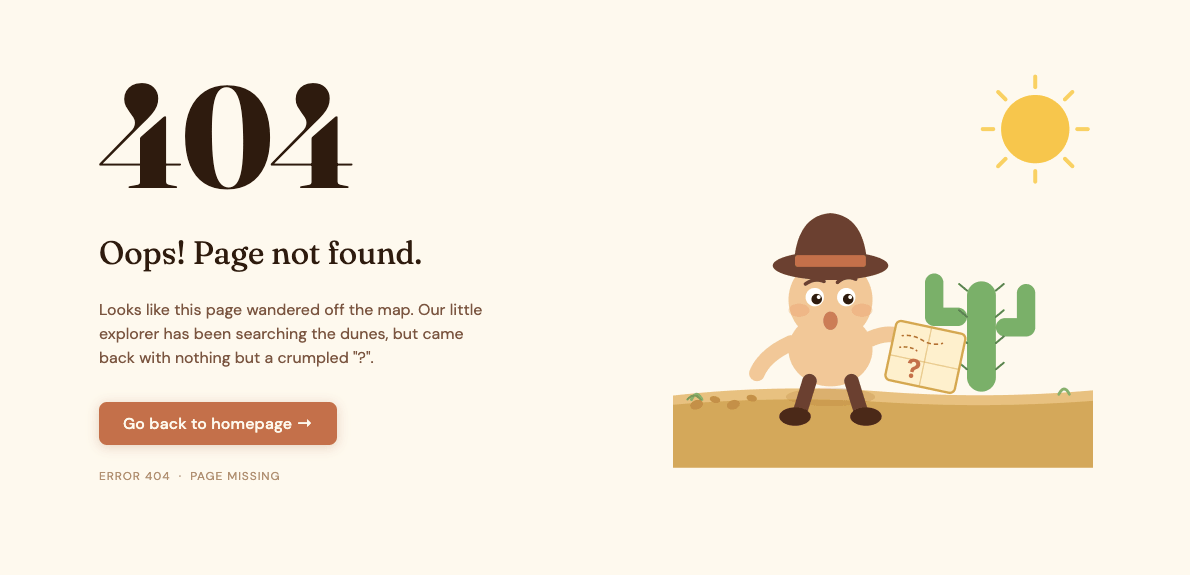
This 404 page HTML CSS GSAP tutorial shows you how to build a minimal error page with a dotted background, a large illustrated 404 image, and a smooth staggered entrance animation powered by GSAP. Each element fades and slides up into place one after the other as the page loads, giving it a polished editorial feel.
Final output:

This page doesn’t exist.
The address may have moved, the link may be broken, or this page was never here to begin with.
Steps for 404 Page HTML CSS #2:
1. Let’s start with a section element with the class section-not-found. Inside it, add a .not-found-header div, a .not-found-wrapper div, and a .not-found-footer div.
<section class="section-not-found">
    <div class="not-found-header"></div>
    <div class="not-found-wrapper"></div>
    <div class="not-found-footer"></div>
</section>
Reset margins and set Georgia as the font family since we’re going for a classic editorial feel. Give the section a dotted background image, set the align content property to center so the content sits vertically centered, and add some padding.
* {
    margin: 0;
    box-sizing: border-box;
}
body {
    font-family: Georgia, 'Times New Roman', Times, serif;
}
.section-not-found {
    background: url("dots-bg.png");
    align-content: center;
    text-align: center;
    padding: 2rem;
    position: relative;
}
Output:
2. Fill in .not-found-header with two spans. The first one holds the error label, and the second one will become a small decorative dot.
<div class="not-found-header">
    <span>Error · 404</span>
    <span></span>
</div>
Use flexbox with the justify content property set to space-between on both the header and footer so the text and dot sit at opposite ends. Style them with a small uppercase font in a muted color, since they’re meant to feel like subtle metadata rather than main content.
.section-not-found .not-found-header,
.section-not-found .not-found-footer {
    font-family: Arial, Helvetica, sans-serif;
    display: flex;
    justify-content: space-between;
    font-size: .875rem;
    line-height: 1.2;
    color: hsla(38, 22%, 7%, 0.3);
    text-transform: uppercase;
}
Style the last span in .not-found-header as a small circle by giving it a fixed width and height and setting the border radius property to 50%.
.section-not-found .not-found-header span:last-child {
    width: .5rem;
    height: .5rem;
    border-radius: 50%;
    background-color: hsla(38, 22%, 7%, 0.3);
}
Output:
3. Fill in .not-found-wrapper with the illustration image, a horizontal rule, a .not-found-body div with the heading and description, and a .links-wrapper div with two links.
<div class="not-found-wrapper">
    <img src="404.png" alt="">
    <hr>
    <div class="not-found-body">
        <h2>This page doesn't exist.</h2>
        <p>The address may have moved, the link may be broken, or this page was never here to begin with.</p>
    </div>
    <div class="links-wrapper">
        <a href="#">Return home</a>
        <a href="#">Go back</a>
    </div>
</div>
Center the wrapper with the margin inline property set to auto and a max-width. Add some top and bottom padding using the padding block property to give the content room to breathe.
.section-not-found .not-found-wrapper {
    max-width: 32rem;
    margin-inline: auto;
    padding-block: 6rem;
}
.section-not-found .not-found-wrapper img {
    width: 100%;
}
Output:
This page doesn’t exist.
The address may have moved, the link may be broken, or this page was never here to begin with.
4. Let’s style the horizontal rule. Center it with the margin inline property set to auto, set the width property to 40% so it’s a short decorative line rather than a full-width divider, and add some top and bottom margin to space it away from the image and body content.
.section-not-found hr {
    margin-top: 4rem;
    margin-bottom: 2.25rem;
    width: 40%;
    margin-inline: auto;
}
Style the .not-found-body. Center it with the margin inline property set to auto and a max-width so the text doesn’t stretch too wide. Style the heading with a light font weight and a slightly negative letter spacing. Style the description with a muted color and a light font weight so it reads as secondary to the heading.
.section-not-found .not-found-body {
    max-width: 20rem;
    margin-inline: auto;
}
.section-not-found .not-found-body h2 {
    font-weight: 400;
    font-size: 1.625rem;
    line-height: 1.3;
    letter-spacing: -0.26px;
}
.section-not-found .not-found-body p {
    margin-top: .875rem;
    line-height: 1.5;
    letter-spacing: 0.13px;
    color: hsla(40, 10%, 49%, 1);
    font-weight: 300;
}
Output:
This page doesn’t exist.
The address may have moved, the link may be broken, or this page was never here to begin with.
5. Now style the .links-wrapper. Use flexbox with the justify content property set to center to keep the links centered.
The first link gets a dark color and a green horizontal line before it using a ::before pseudo-element, set the position property to absolute on the line and the position property to relative on the link so the line sits correctly to the left of the text. The second link gets a left border to visually separate it from the first.
.section-not-found .links-wrapper {
    display: flex;
    flex-wrap: wrap;
    justify-content: center;
    gap: 1.5rem;
    margin-top: 2.5rem;
}
.section-not-found .links-wrapper a {
    font-size: .875rem;
    line-height: 1.3;
    letter-spacing: 2.16px;
    text-transform: uppercase;
    text-decoration: none;
    color: hsla(40, 10%, 49%, 1);
}
.section-not-found .links-wrapper a:first-child {
    color: hsla(38, 22%, 7%, 1);
    position: relative;
    padding-left: 2.25rem;
}
.section-not-found .links-wrapper a:first-child::before {
    position: absolute;
    top: 50%;
    left: 0;
    transform: translateY(-50%);
    content: "";
    width: 1.5rem;
    height: 1px;
    background-color: hsla(143, 25%, 24%, 1);
}
.section-not-found .links-wrapper a:last-child {
    padding-left: 1.5rem;
    border-left: 1px solid hsla(38, 22%, 7%, 0.3);
}
Fill in .not-found-footer with two spans for the HTTP status and the error description.
<div class="not-found-footer">
    <span>HTTP 404</span>
    <span>Not found</span>
</div>
The 404 footer already inherits the styles from step 2, so no additional CSS is needed here.
Output:
This page doesn’t exist.
The address may have moved, the link may be broken, or this page was never here to begin with.
6. Now let’s add the entrance animation. Link the GSAP library just before the closing body tag, then add your script.js file after it.
<script src="https://cdn.jsdelivr.net/npm/gsap@3.15/dist/gsap.min.js"></script>
<script src="script.js"></script>
In script.js, wait for the page to fully load using DOMContentLoaded. Then use gsap.fromTo() to animate the header, every direct child of .not-found-wrapper, and the footer.
Each element starts 20px below its natural position with an opacity of zero. As a result, they fade and slide up into place one after the other, since the stagger option adds a small delay between each element so they animate in sequence rather than all at once.
document.addEventListener("DOMContentLoaded", (event) => {
    gsap.fromTo(
        ".not-found-header, .not-found-wrapper > *, .not-found-footer",
        {
            y: 20,
            opacity: 0
        },
        {
            y: 0,
            opacity: 1,
            duration: .6,
            delay: 0.5,
            stagger: 0.15,
            ease: "power4.in"
        }
    );
});
Output:
This page doesn’t exist.
The address may have moved, the link may be broken, or this page was never here to begin with.
Final Output Code for FAQ Page HTML CSS GSAP :
HTML
<section class="section-not-found">
    <div class="not-found-header">
        <span>Error · 404</span>
        <span></span>
    </div>
    <div class="not-found-wrapper">
        <img src="404.png" alt="">
        <hr>
        <div class="not-found-body">
            <h2>This page doesn't exist.</h2>
            <p>The address may have moved, the link may
                be broken, or this page was never here to
                begin with.</p>
        </div>
        <div class="links-wrapper">
            <a href="#">Return home</a>
            <a href="#">Go back</a>
        </div>
    </div>
    <div class="not-found-footer">
        <span>HTTP 404</span>
        <span>Not found</span>
    </div>
</section>
CSS
* {
    margin: 0;
    box-sizing: border-box;
}
body {
    font-family: Georgia, 'Times New Roman', Times, serif;
}
.section-not-found {
    background: url("dots-bg.png");
    align-content: center;
    text-align: center;
    padding: 2rem;
    position: relative;
}
.section-not-found .not-found-header,
.section-not-found .not-found-footer {
    font-family: Arial, Helvetica, sans-serif;
    display: flex;
    justify-content: space-between;
    font-size: .875rem;
    line-height: 1.2;
    color: hsla(38, 22%, 7%, 0.3);
    text-transform: uppercase;
}
.section-not-found .not-found-header span:last-child {
    width: .5rem;
    height: .5rem;
    border-radius: 50%;
    background-color: hsla(38, 22%, 7%, 0.3);
}
.section-not-found .not-found-wrapper {
    max-width: 32rem;
    margin-inline: auto;
    padding-block: 6rem;
}
.section-not-found .not-found-wrapper img {
    width: 100%;
}
.section-not-found hr {
    margin-top: 4rem;
    margin-bottom: 2.25rem;
    width: 40%;
    margin-inline: auto;
}
.section-not-found .not-found-body {
    max-width: 20rem;
    margin-inline: auto;
}
.section-not-found .not-found-body h2 {
    font-weight: 400;
    font-size: 1.625rem;
    line-height: 1.3;
    letter-spacing: -0.26px;
}
.section-not-found .not-found-body p {
    margin-top: .875rem;
    line-height: 1.5;
    letter-spacing: 0.13px;
    color: hsla(40, 10%, 49%, 1);
    font-weight: 300;
}
.section-not-found .links-wrapper {
    display: flex;
    flex-wrap: wrap;
    justify-content: center;
    gap: 1.5rem;
    margin-top: 2.5rem;
}
.section-not-found .links-wrapper a {
    font-size: .875rem;
    line-height: 1.3;
    letter-spacing: 2.16px;
    text-transform: uppercase;
    text-decoration: none;
    color: hsla(40, 10%, 49%, 1);
}
.section-not-found .links-wrapper a:first-child {
    color: hsla(38, 22%, 7%, 1);
    position: relative;
    padding-left: 2.25rem;
}
.section-not-found .links-wrapper a:first-child::before {
    position: absolute;
    top: 50%;
    left: 0;
    transform: translateY(-50%);
    content: "";
    width: 1.5rem;
    height: 1px;
    background-color: hsla(143, 25%, 24%, 1);
}
.section-not-found .links-wrapper a:last-child {
    padding-left: 1.5rem;
    border-left: 1px solid hsla(38, 22%, 7%, 0.3);
}
JS
document.addEventListener("DOMContentLoaded", (event) => {
    gsap.fromTo(
        ".not-found-header, .not-found-wrapper > *, .not-found-footer",
        {
            y: 20,
            opacity: 0
        },
        {
            y: 0,
            opacity: 1,
            duration: .6,
            delay: 0.5,
            stagger: 0.15,
            ease: "power4.in"
        }
    );
});
If you have any doubts or stuck somewhere, you can reach out through Coding Yaar's Discord server.